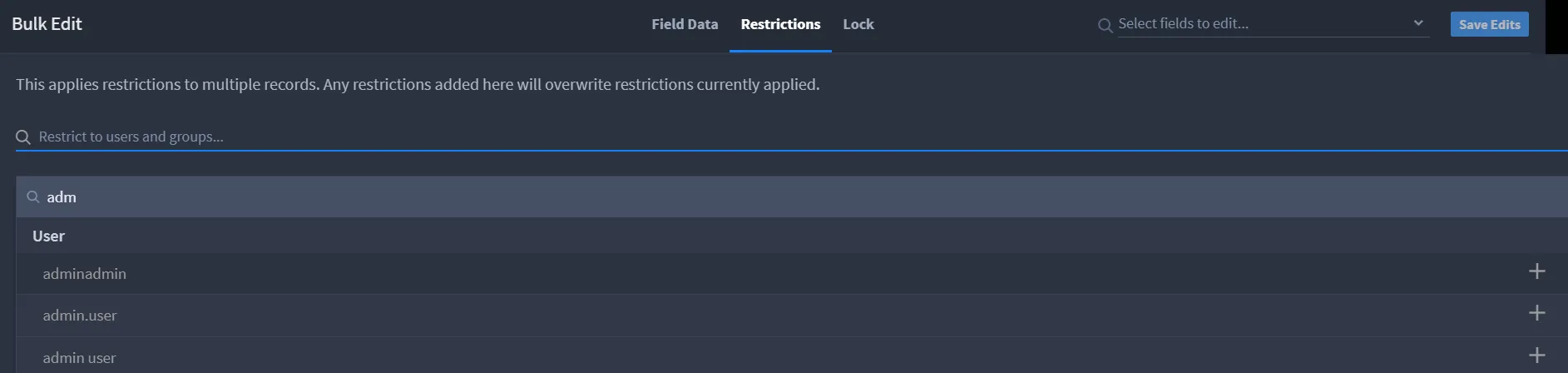
Restrict Records
You can restrict view access for a single record to specific users or groups. By default, anyone with read permissions to the application's records can view all records. To restrict records:
- Open the record you want to restrict access to.
- From the record header, access the record menu and select Restrict Record.
Select any combination of users or groups.
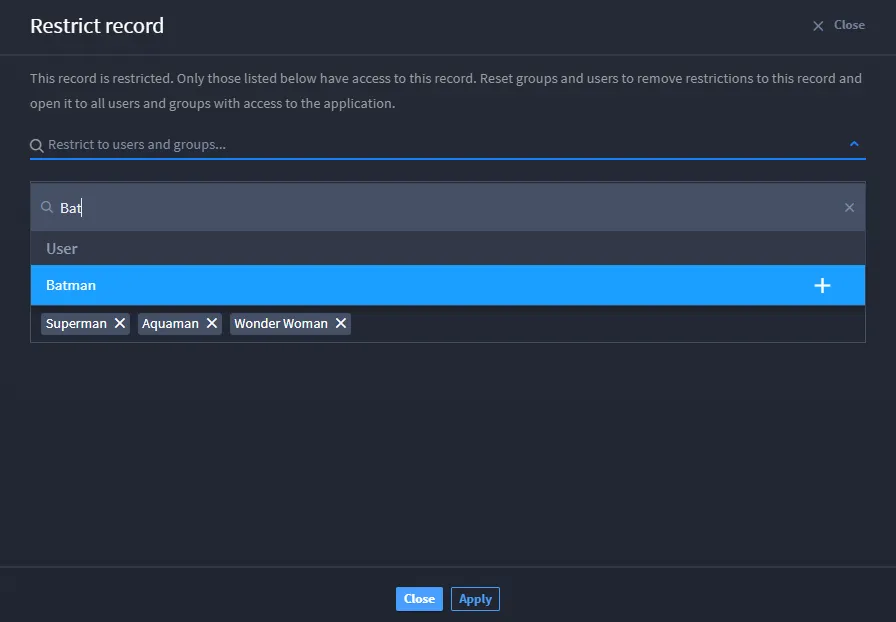
Only individuals that fall within this selection will be able to access the record. Don't forget to add yourself or your user group!
Click Add for each user or group, and confirm your choices in the subsequent list.
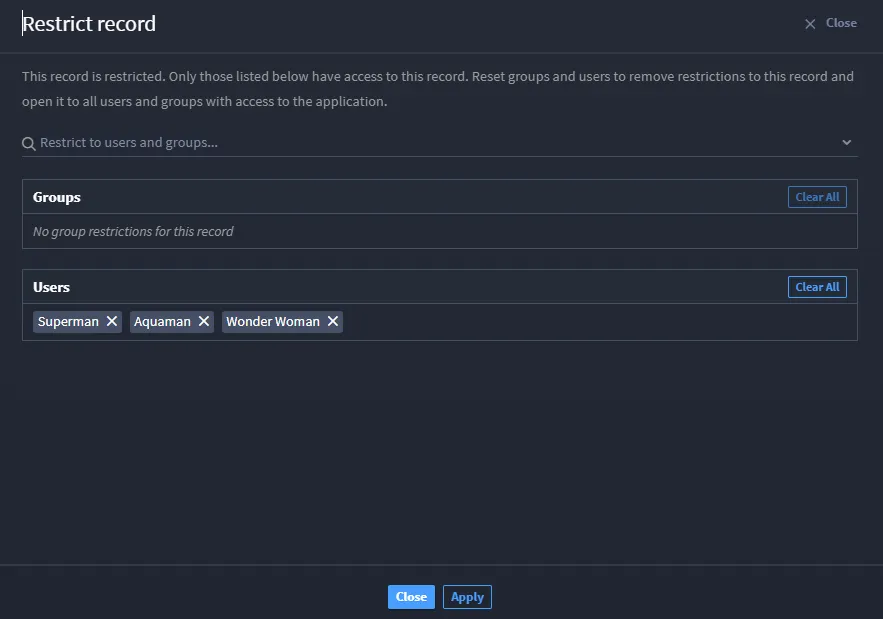
- When you're finished with your list of users and groups who can view the record, click the check mark to save your choices.
Restrict Admin Access
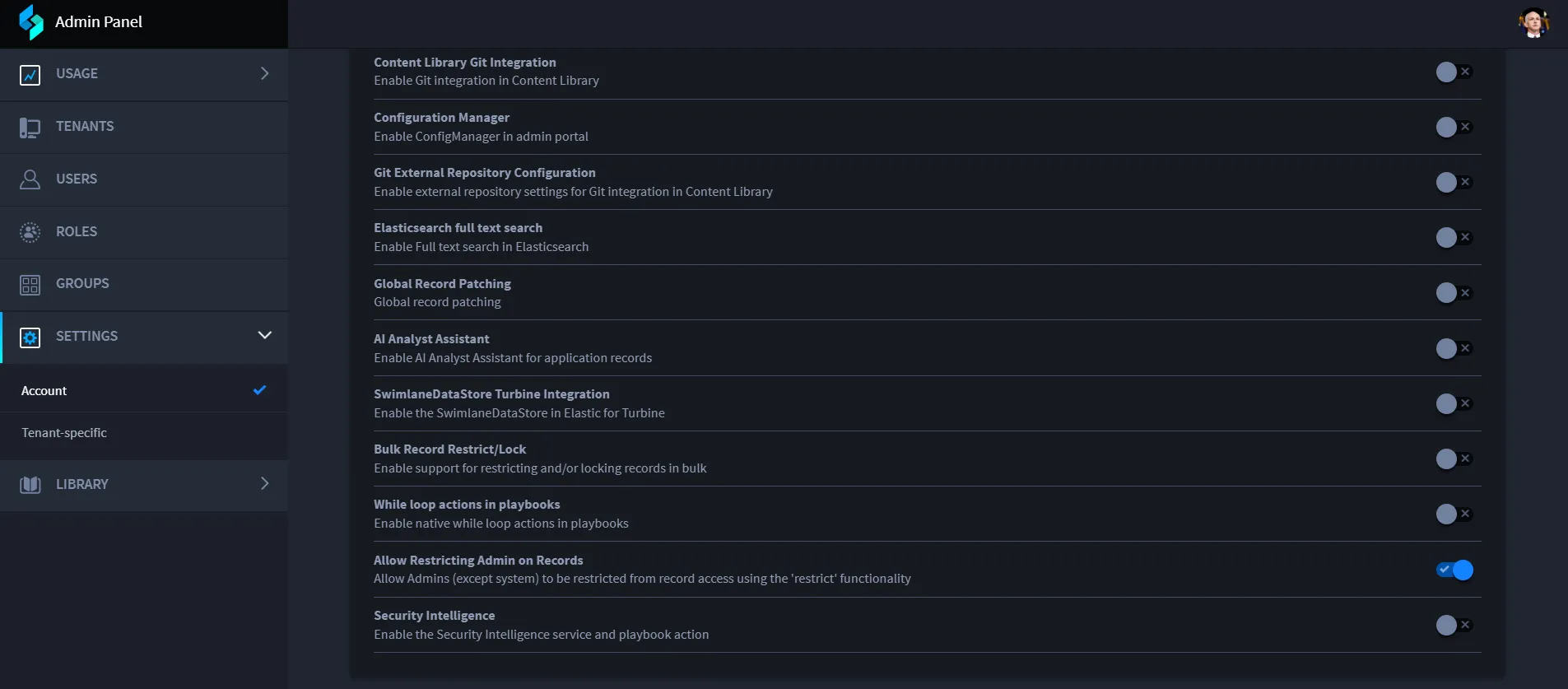
Admins can be restricted from viewing specific records based on their roles, such as super admins, account admins, swimlane admins, group admins, and others. By enabling the restriction flag, you can select the desired admin type from the filter options in the restriction window. Once restricted, the selected admin type will no longer have access to the specified record.
To enable this feature, go to Settings -> Accounts -> Allow Restricting Admins on Records.
To restrict admins from accessing a record:
- Select the record you want to restrict admin access to.
- Click Bulk Edit.
In the Bulk Edit window, in the Restrictions tab, use the search field to enter the admin type you want to restrict access for.