Record Lock
1 min
You can lock records while editing and modifying them in order to prevent your changes being overwritten by another user. In addition, locked records can not be bulk modified or bulk deleted.
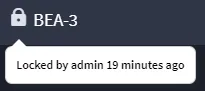
Once a record is locked, the lock icon appears next to the record's Tracking ID in the Record header. When a record is locked, only the user who created the lock or an administrator can unlock it. To unlock a record, from the Record header, access the record menu and select Unlock Record.
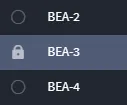
Locked records are also indicated in the report-view-of-records (Default Report) interface.
To lock a record:
Open a record. From the record taskbar, access the record menu.
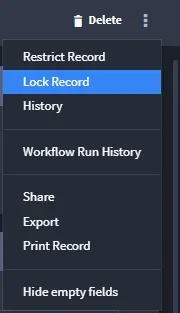
- From the menu, select Lock Record.The record is locked immediately. Anyone can access the individual record and open it, but only the user who created the lock or an administrator can make changes to the record.