Repeats
Playbooks allow you to repeat actions. Arrays are the only repeatable property types.
Add Repeats to an Action
Repeat actions can be static or dynamic.
Dynamic actions are reserved for string inputs only.
To add a repeat to an action:
- Add an action.
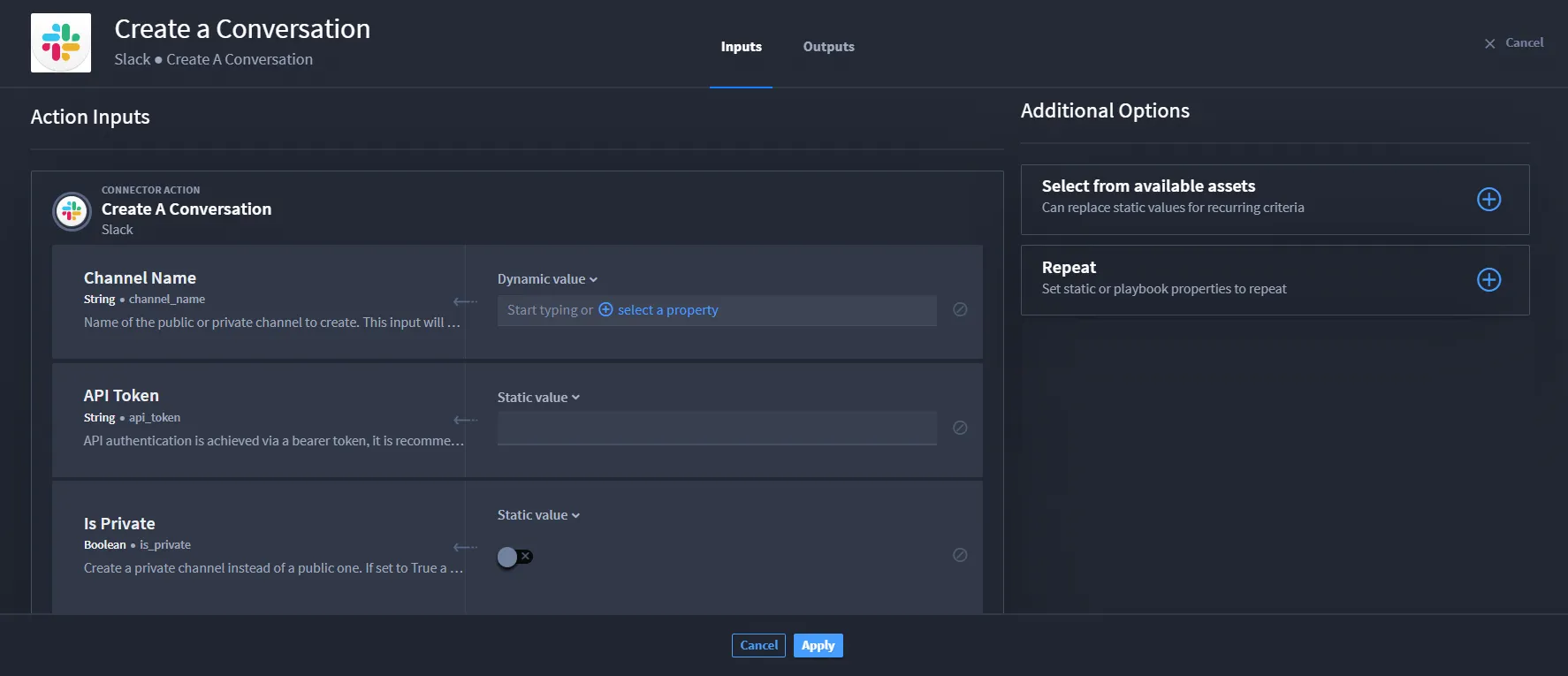
- From ACTION, click Configure.From here, decide which fields you need to complete.
If you want to repeat a static value, click the Repeat plus icon.
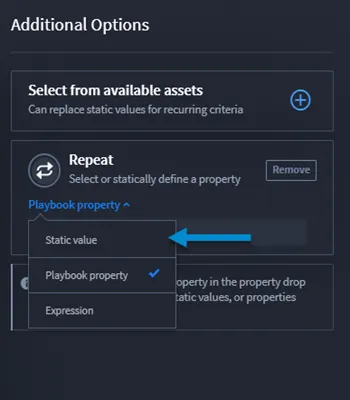
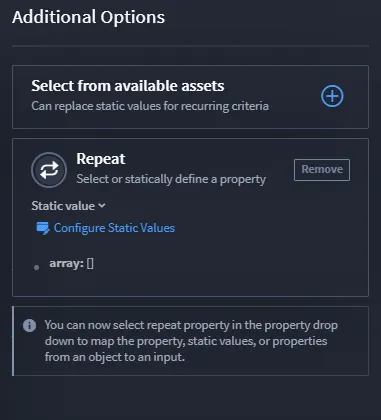
Click the drop-down menu and select Static value.
- Click Configure Static Values.
- Click Add an item to add an item to your array and select the value type.
Once you have entered any values, click Apply.
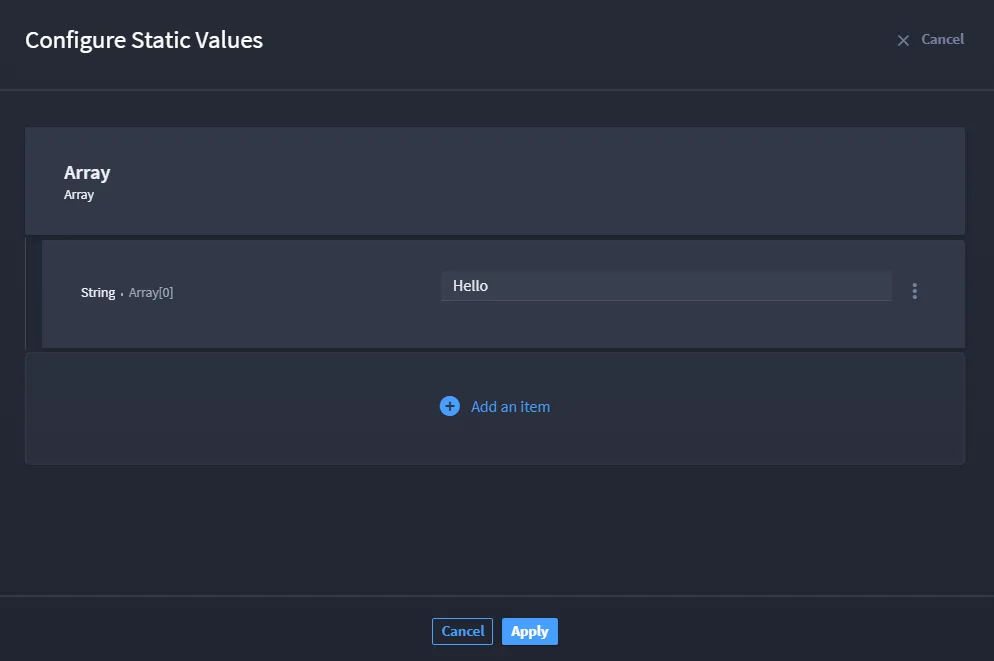
The action will repeat as many times as items on the array.
Playbook Property Repeats
To add a playbook property repeat to an action:
- Add an action.
- From ACTION, click Configure.The available mapped playbook inputs show under Action Inputs.
If you want to repeat a playbook property, click the Repeat plus icon.
Click the drop-down menu and select Playbook property.
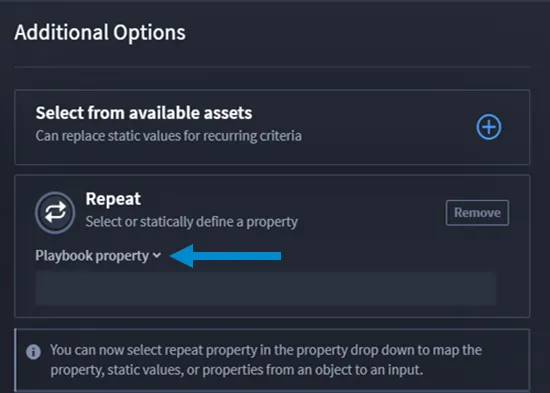
Select only playbook inputs that are the array property type.
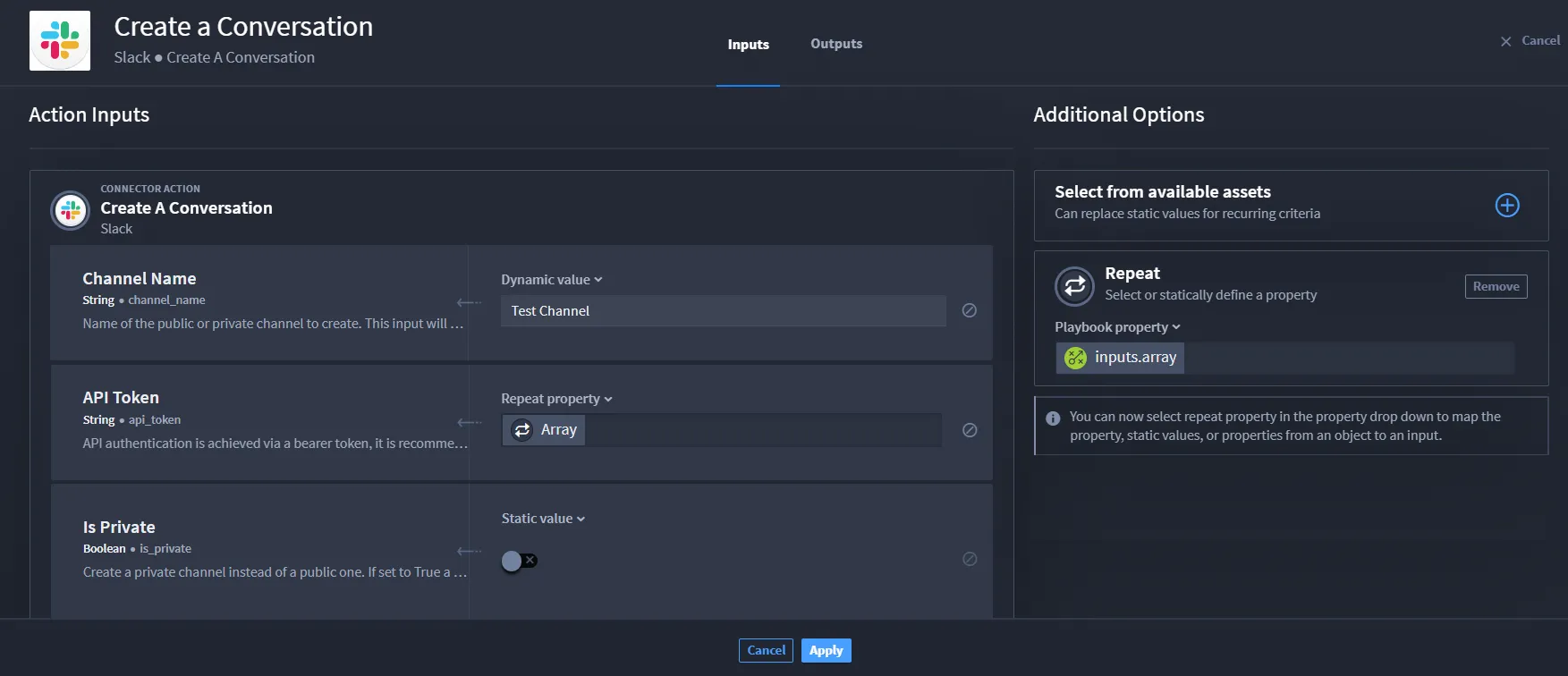
The input displays in the Repeat section.
- From the inputs, select a property that has a Static value drop-down. Then, select Repeat property.
- Enter the required fields and click Apply.
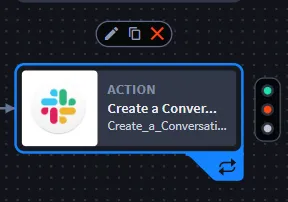
The repeat shows in the playbook action.
Expression Repeats
To add an expression repeat to an action:
- Add an action.
- From ACTION, click Configure.From here, decide which fields you need to complete.
Click the Repeat plus icon.
Click the drop-down menu and select Expression.
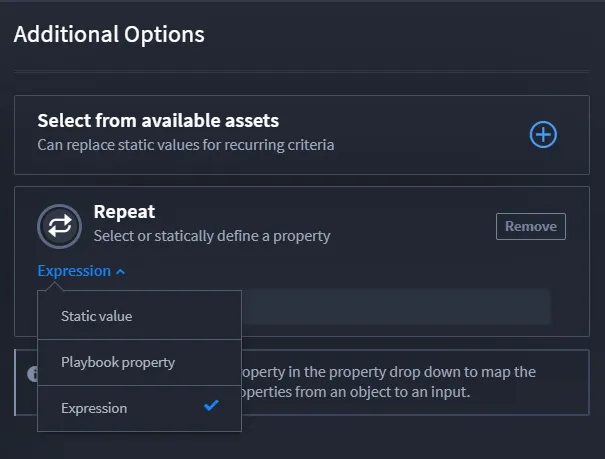
Enter an expression using JavaScript notation.
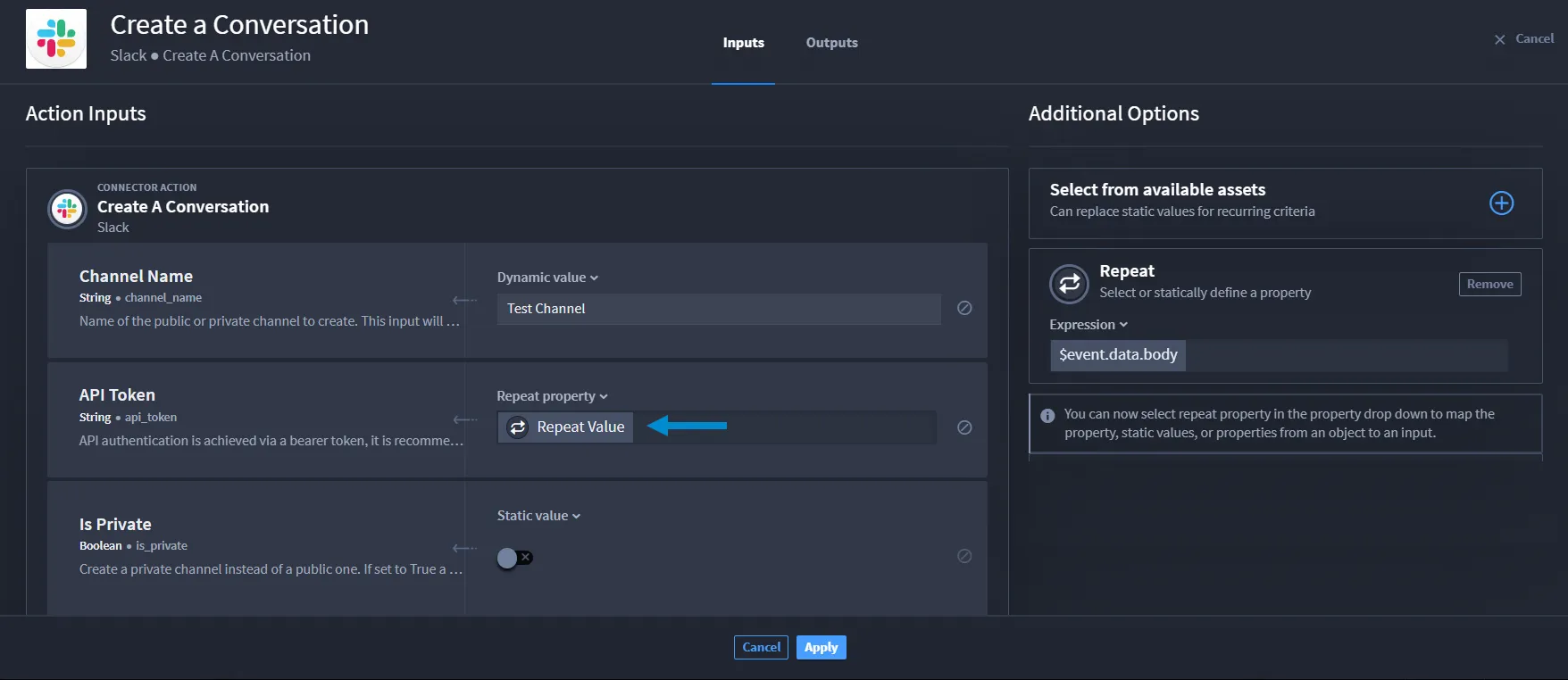
The repeat expression shows under Additional Options.
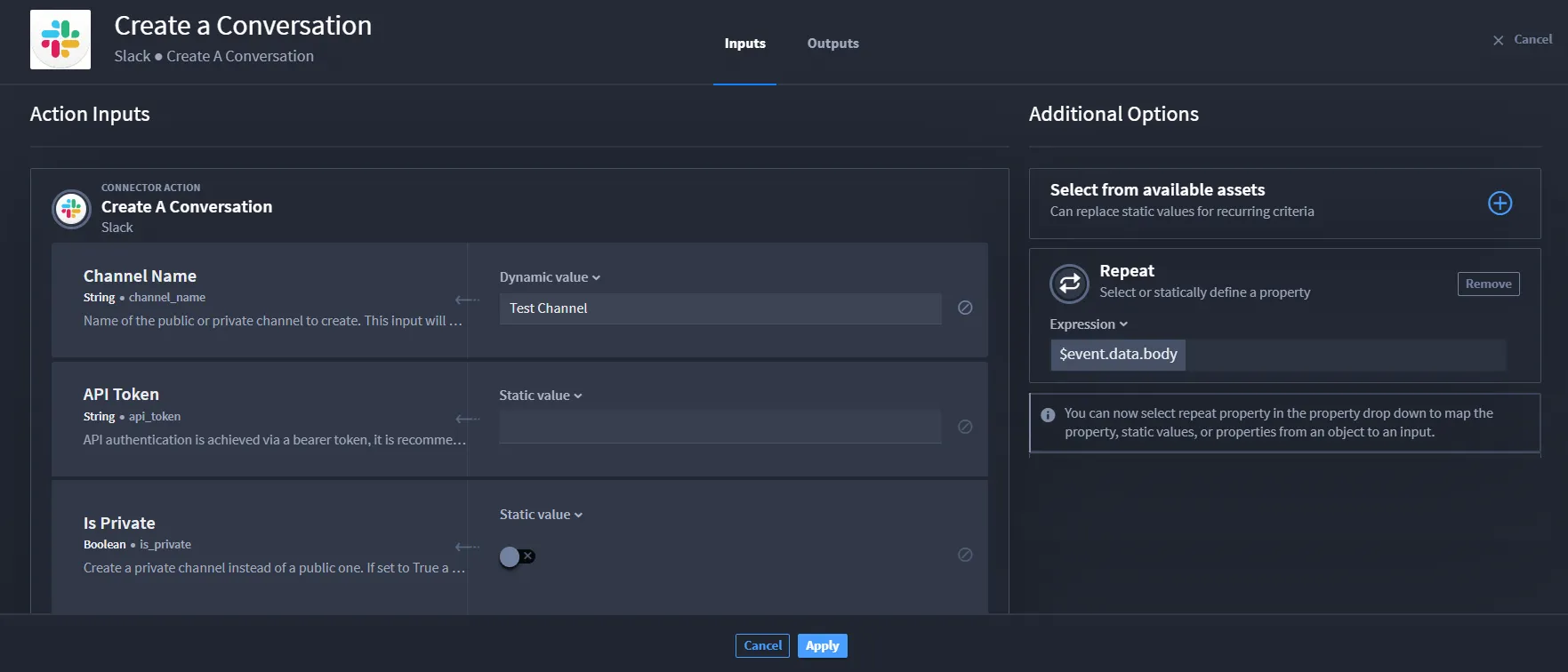
- From the inputs, select a property that has a Static value drop-down. Then, select Repeat property.
- From the action, click Apply.
The repeat shows in the playbook action.
Repeat Outputs
Repeats only provide output results for a single action. By using action repeats, you can:
- Retrieve aggregated output results over a list of values.
- Configure repeats that have a list of values in nested playbooks.
- Better troubleshoot by reviewing an action through the playbook run results.
Arrays are the only repeatable property types.
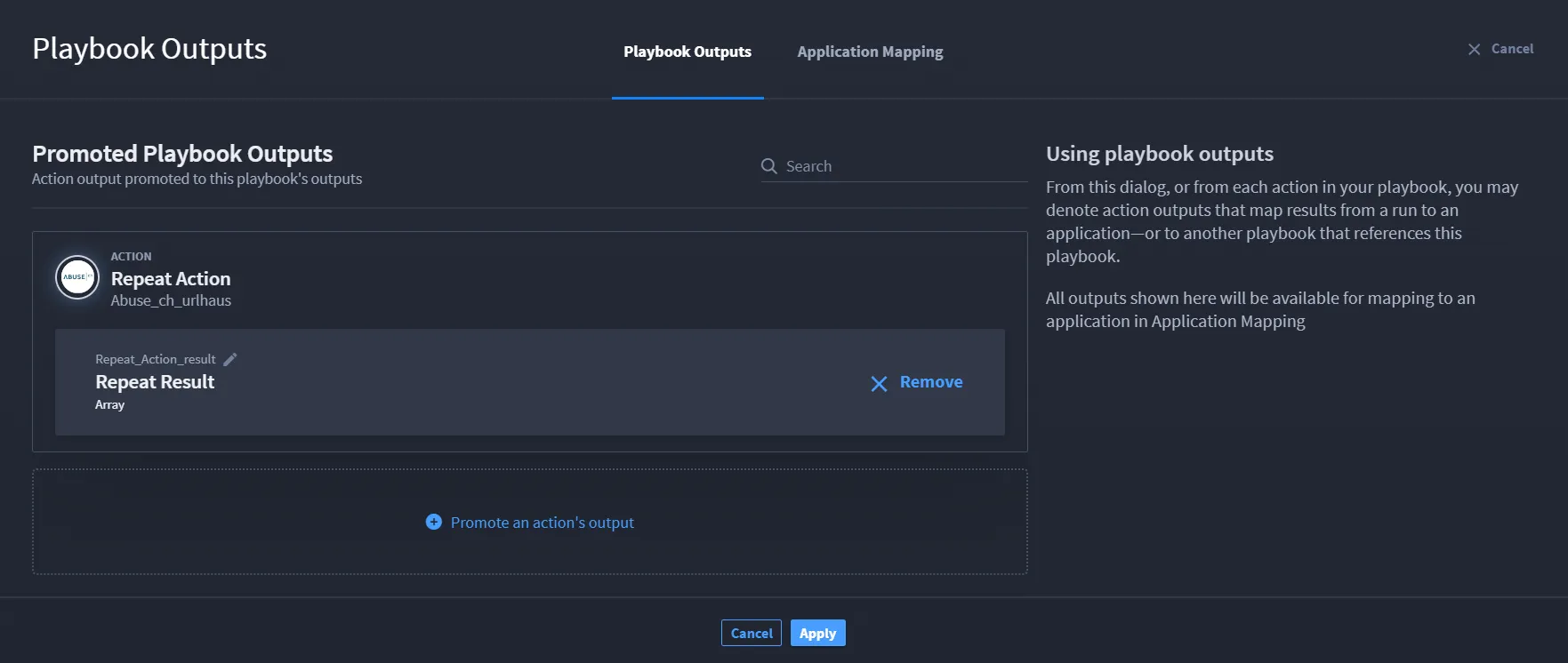
Before promoting any action repeat outputs, ensure that you:
- Add an action.
- Add one of the following repeat types: static value, playbook property repeats, expression repeats.
- Navigate to Playbook Outputs.
Click Promote an output.
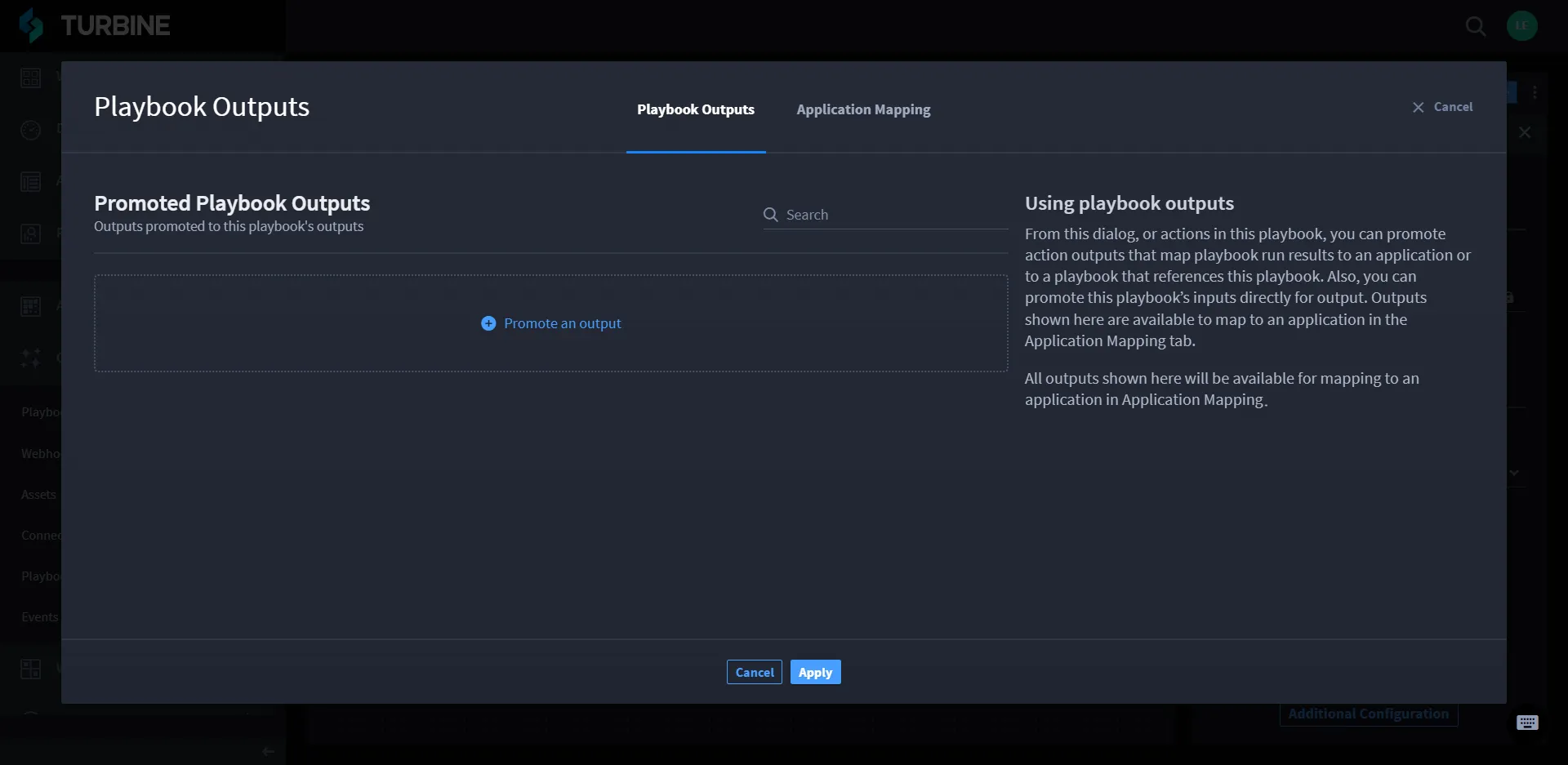
From Select an available playbook property, click the desired repeat action.
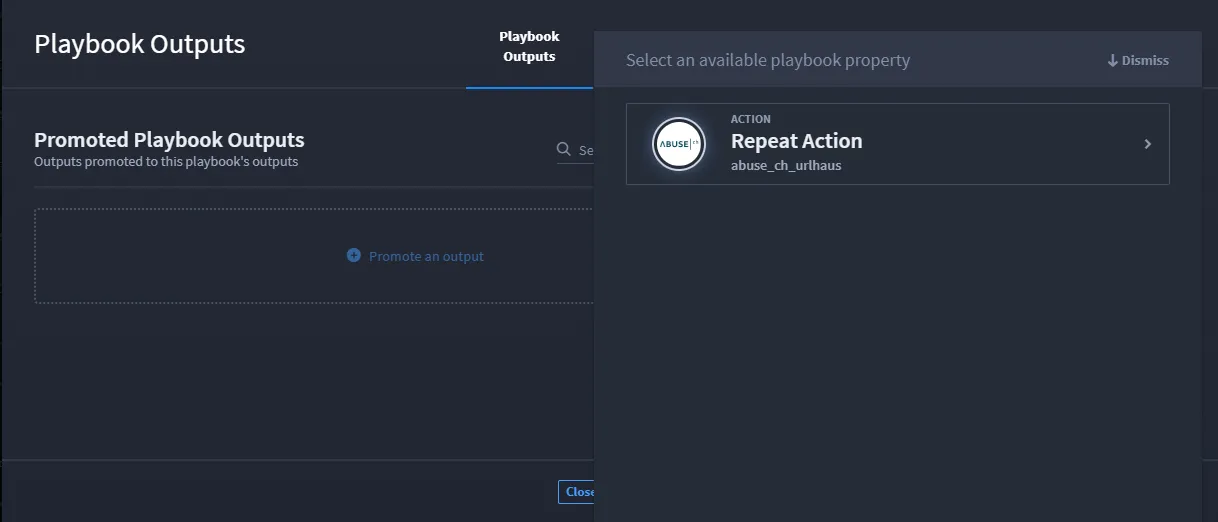
The repeat action displays. Select the repeat.
The repeat is promoted.