Remove Playbook Inputs
1 min
Removing playbooks is simple! Let's take a look.
Remove Playbook Inputs
To remove a playbook input:
- Open the playbook where the playbook inputs were originally added.
Click Playbook Inputs.
The existing playbook inputs display.
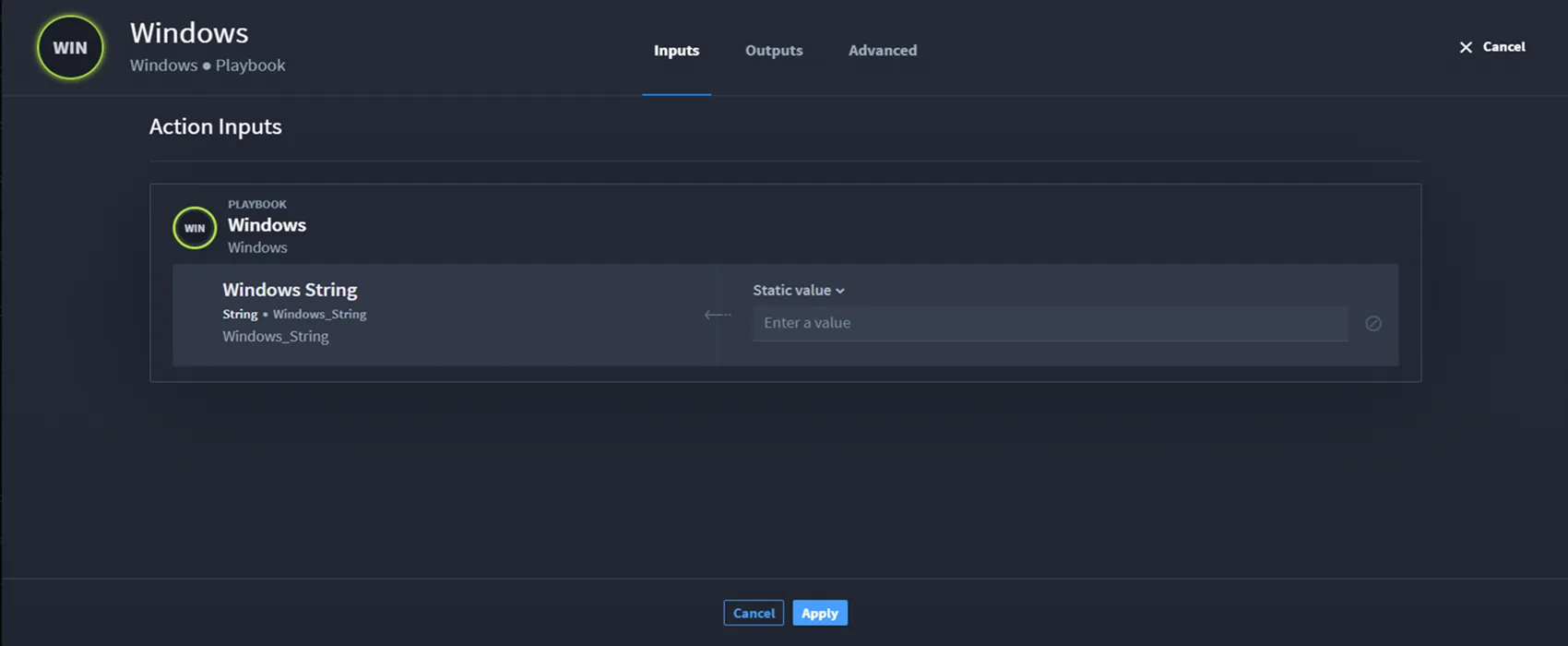
- Click the vertical ellipsis icon next to the property you want to remove, and click Remove.
- The property no longer displays in the Playbook Inputs Manager.
- Click Apply.
- Click Ok, and then click Save.
Let's continue by seeing how to promote and map playbook inputs to outputs.