Export Swimlane Solution Packages
Export Swimlane Solution Packages (SSPs, file extension .ssp) to import them into another instance of Swimlane Turbine. Any playbooks or applications or applets you export also contain their associated workspace, dashboard, workflow, reports, and assets.
If you plan to edit your SSP file after exporting it, see Repackage an Unzipped SSP FileRepackage an Unzipped SSP File to ensure your SSP imports successfully after you work on it.
You can export SSPs from applications, applets, or from playbooks.
Swimlane solution package exports include:
- The initially-selected, or root application or applet
- Any additional applications associated with the root application
- Workflow for the root application or applet or associated applications
- Reports, workspaces, dashboards or export templates for the root application or associated applications
- Integrations for the root application or applet or associated applications (including output mappings)
- Assets and plugins associated with any associated integration
- Mapped inputs to key store values (the keys are removed, but you can add them back after import)
Components of applications that are NOT included as part of the export are:
- Application history
- Records or record history
- Secure credentials and keys (key store) which can be added later after import
- Secure values in asset configurations which can be configured again upon import
Exporting and importing Swimlane solution packages can only be done by Swimlane System Administrators.
Export Application SSPs
In Turbine, there are a few ways to export an SSP. First let's look at how to export from the Applications & Applets main page.
- Load the Applications & Applets main page, click the plus icon, and then select Import or Export a package.On the Import or Export a package window, step 1 has Import and Export radio button options.
Click the Export radio button.
Turbine loads the available packages and components within those packages to export. Step 2 allows you to select the components you would like to export.
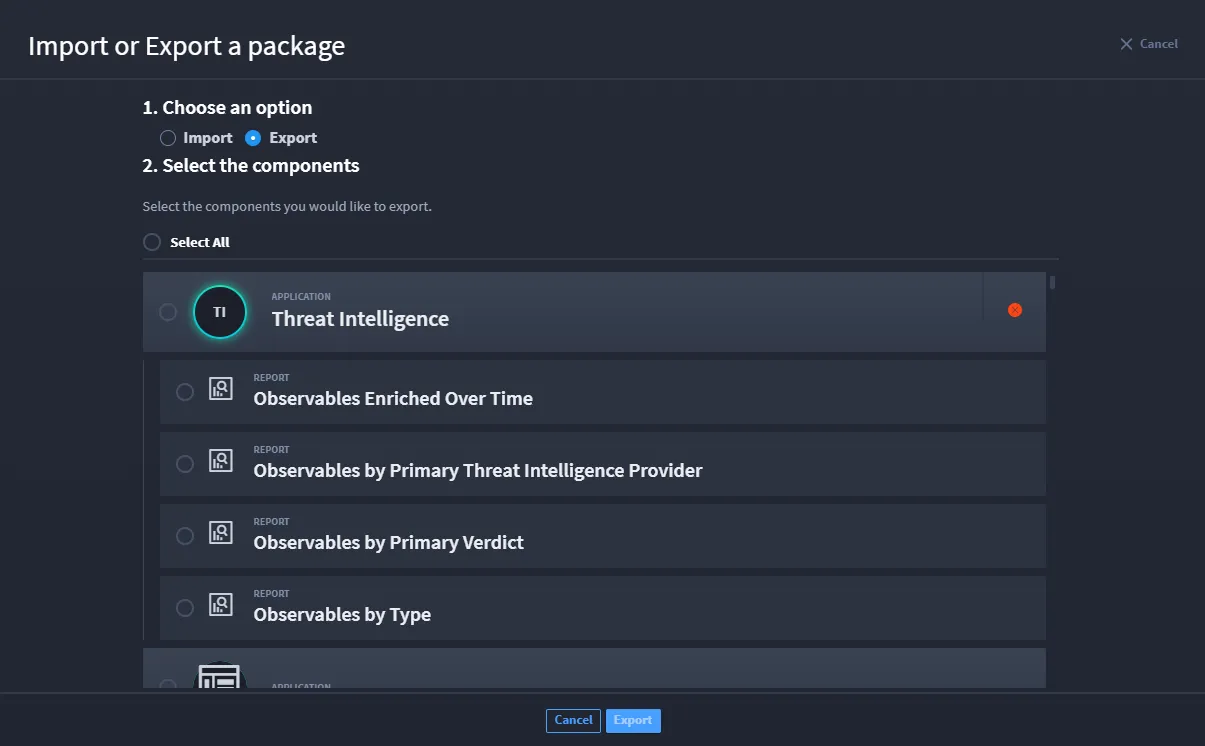
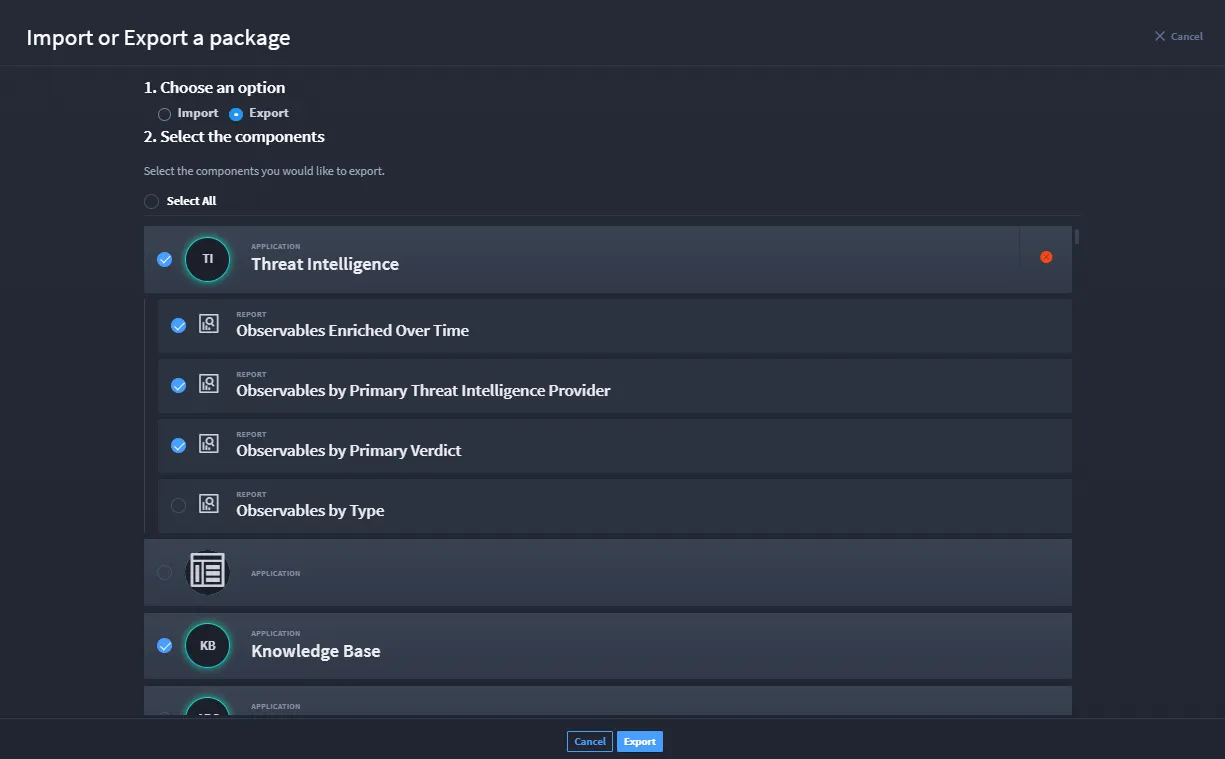
Select the check mark next to components (i.e., reports, applications, etc.) that you want to export, then click Export.
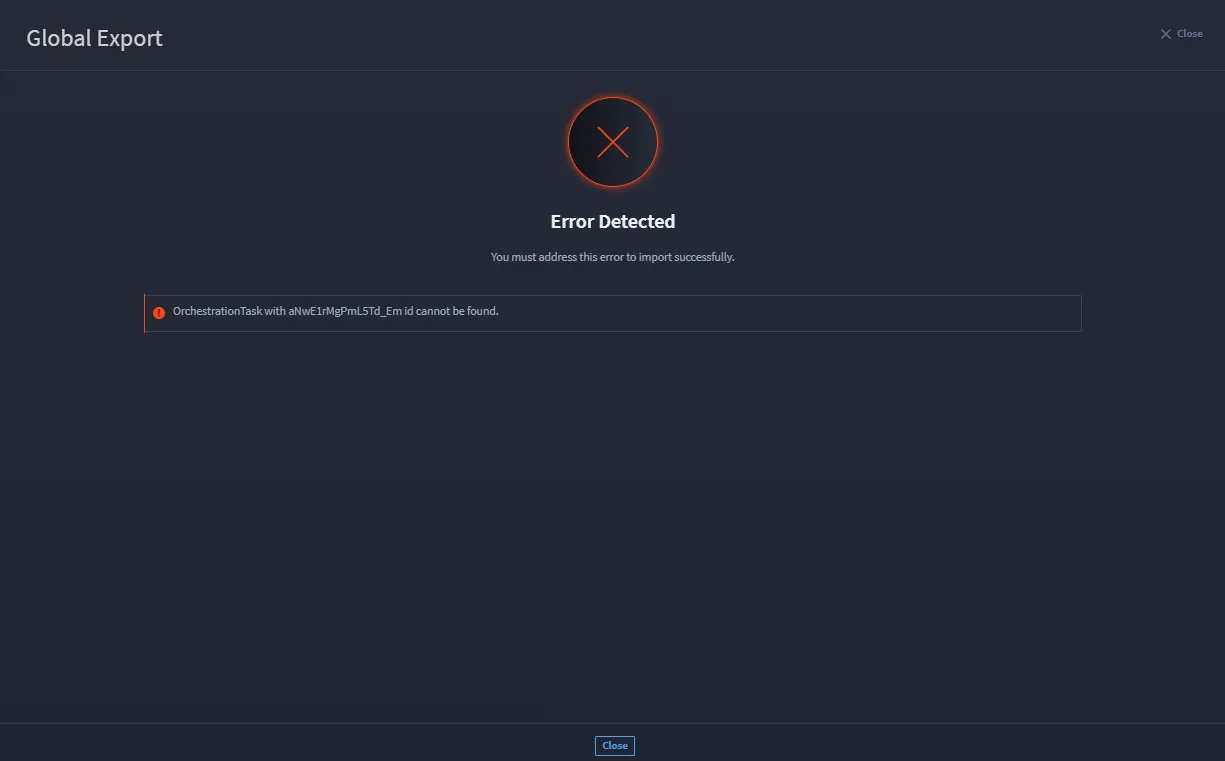
If a component has an error, you may receive the Error Detected notification with an explanation. This means that component cannot be exported successfully. Click Close and review the component with the error to resolve.
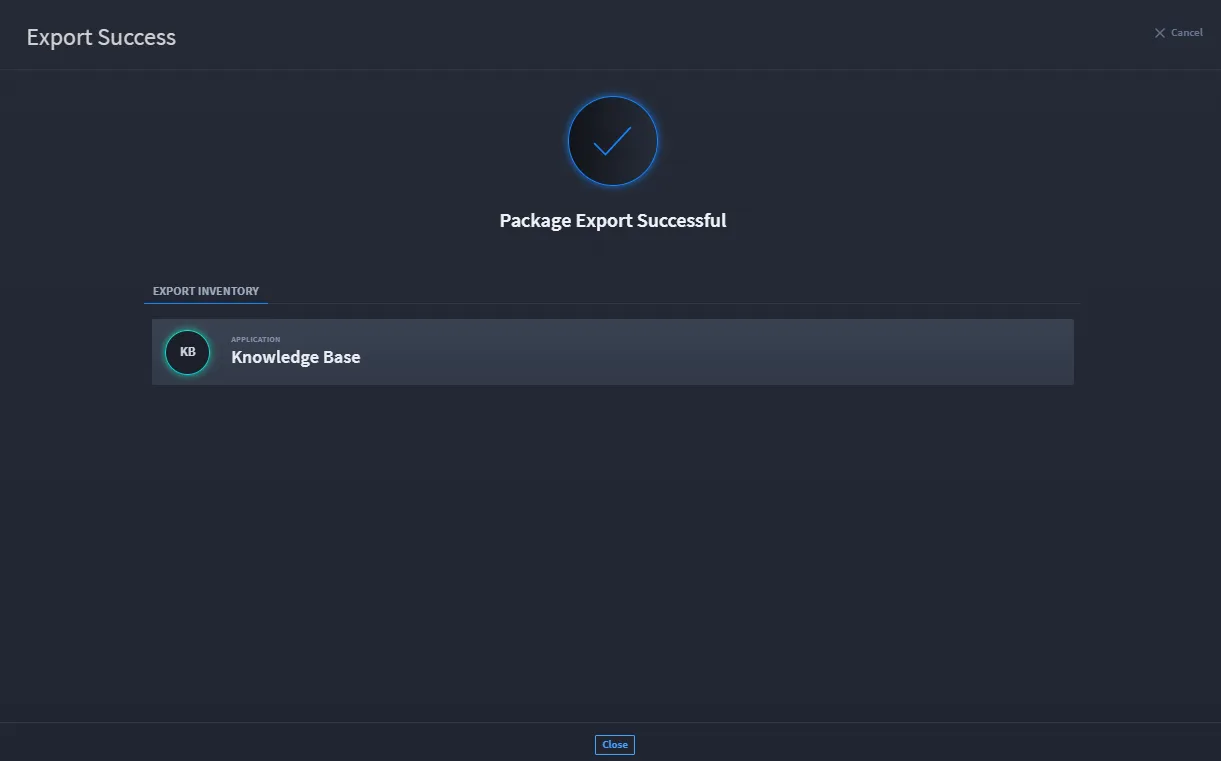
If you select a component and there are no issues, then your package exports successfully.
Export from an Application
Find the application or applet that you want to export and then, from the drop-down menu on the application or applet, select Export.
You can also export an application from within Application (or Applet) Builder. Click the ellipsis icon in the Application (or Applet) taskbar menu and select Export Application or Export Applet.
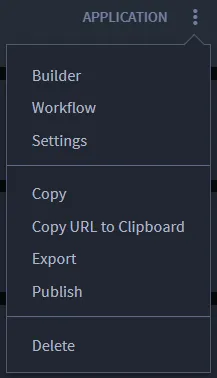
Select the application or applet to export.
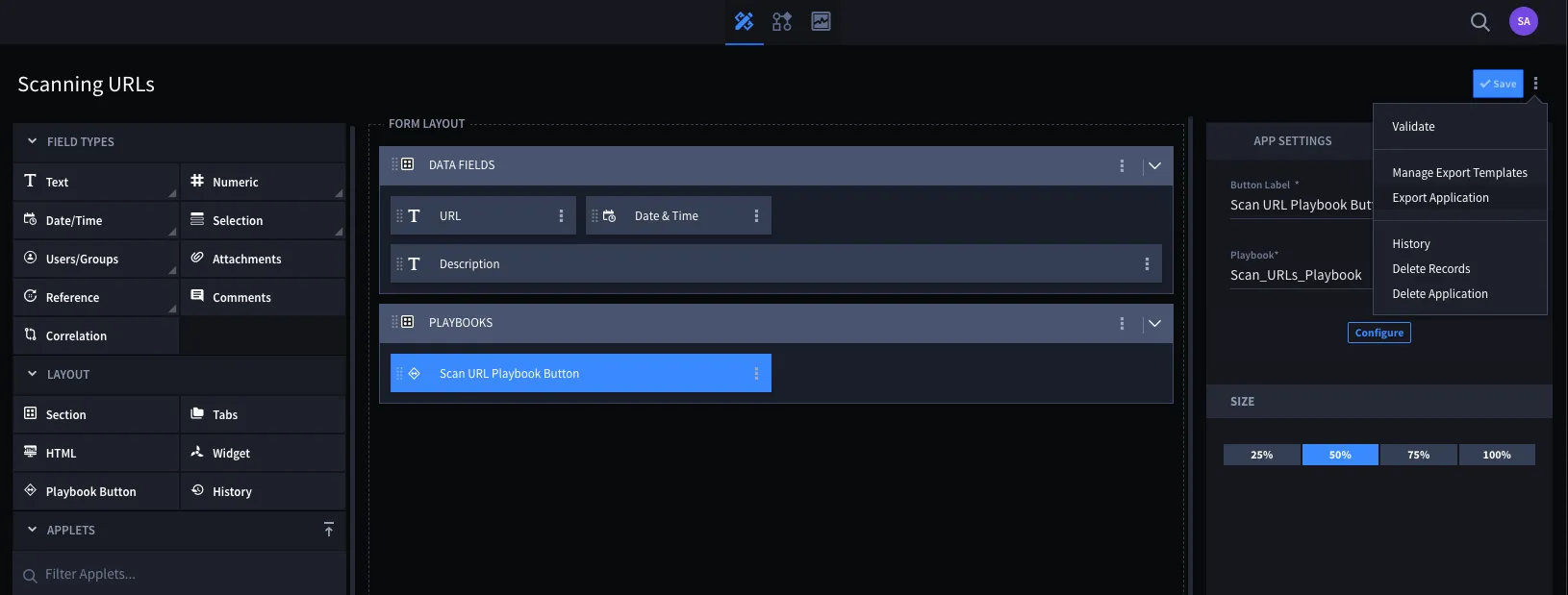
- Important! While you select one application or applet here, be aware that the export process packages all of the content associated with that initial application as a solution.
Turbine notifies you if there are potential issues that you need to be aware of related to your export.
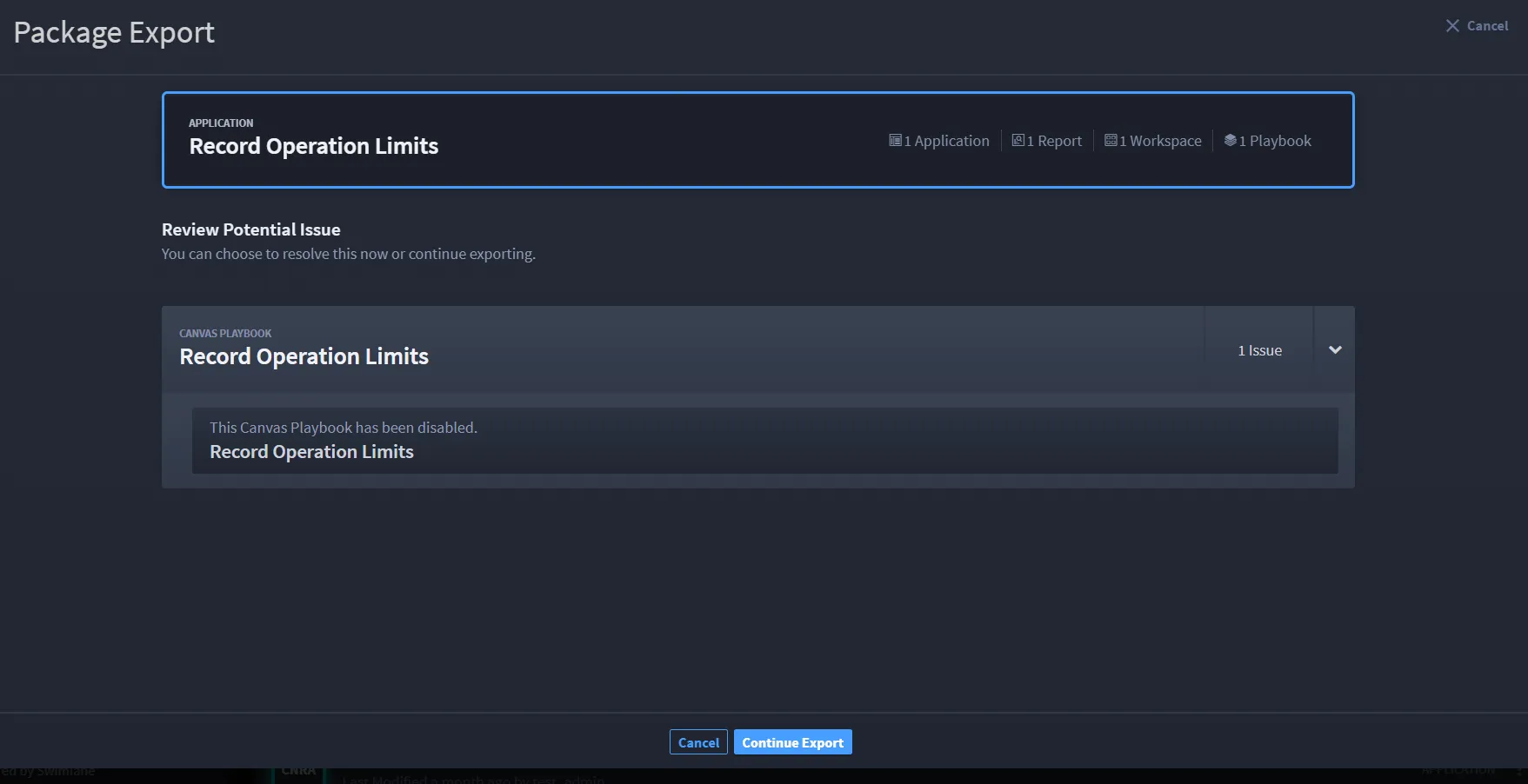
When ready, click Continue Export.
The .ssp is exported to your browser's default downloads location.
– OR –
Turbine notifies you of errors detected.
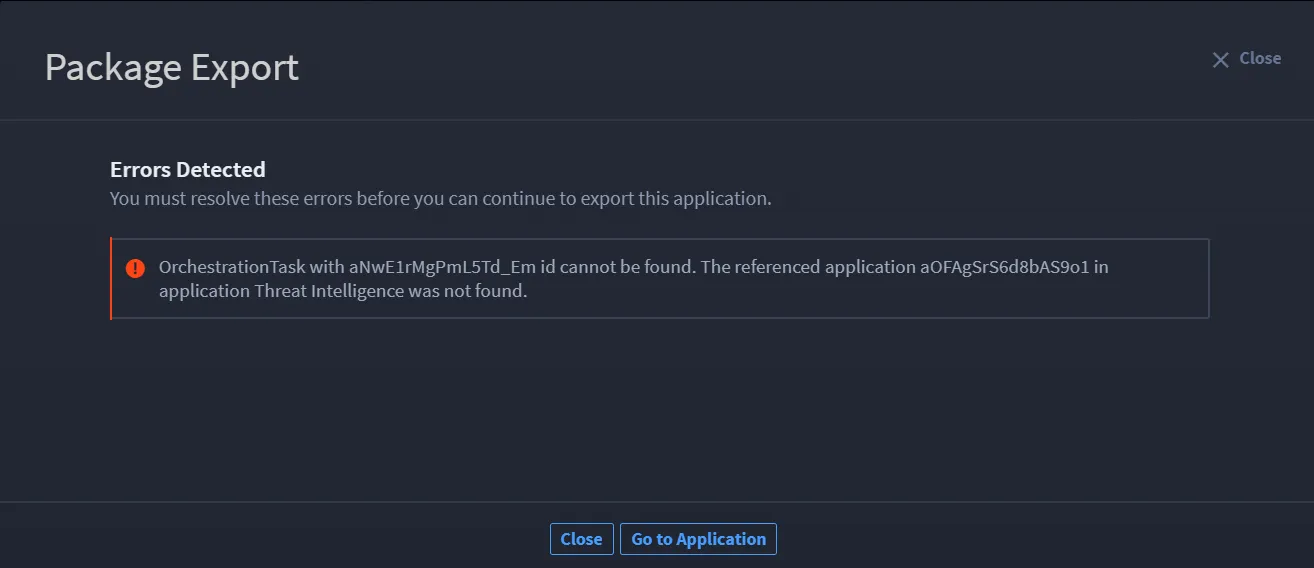
To resolve errors detected, click Go to Application.
The application opens. There is a notification at the bottom of the window that you can expand for error details.
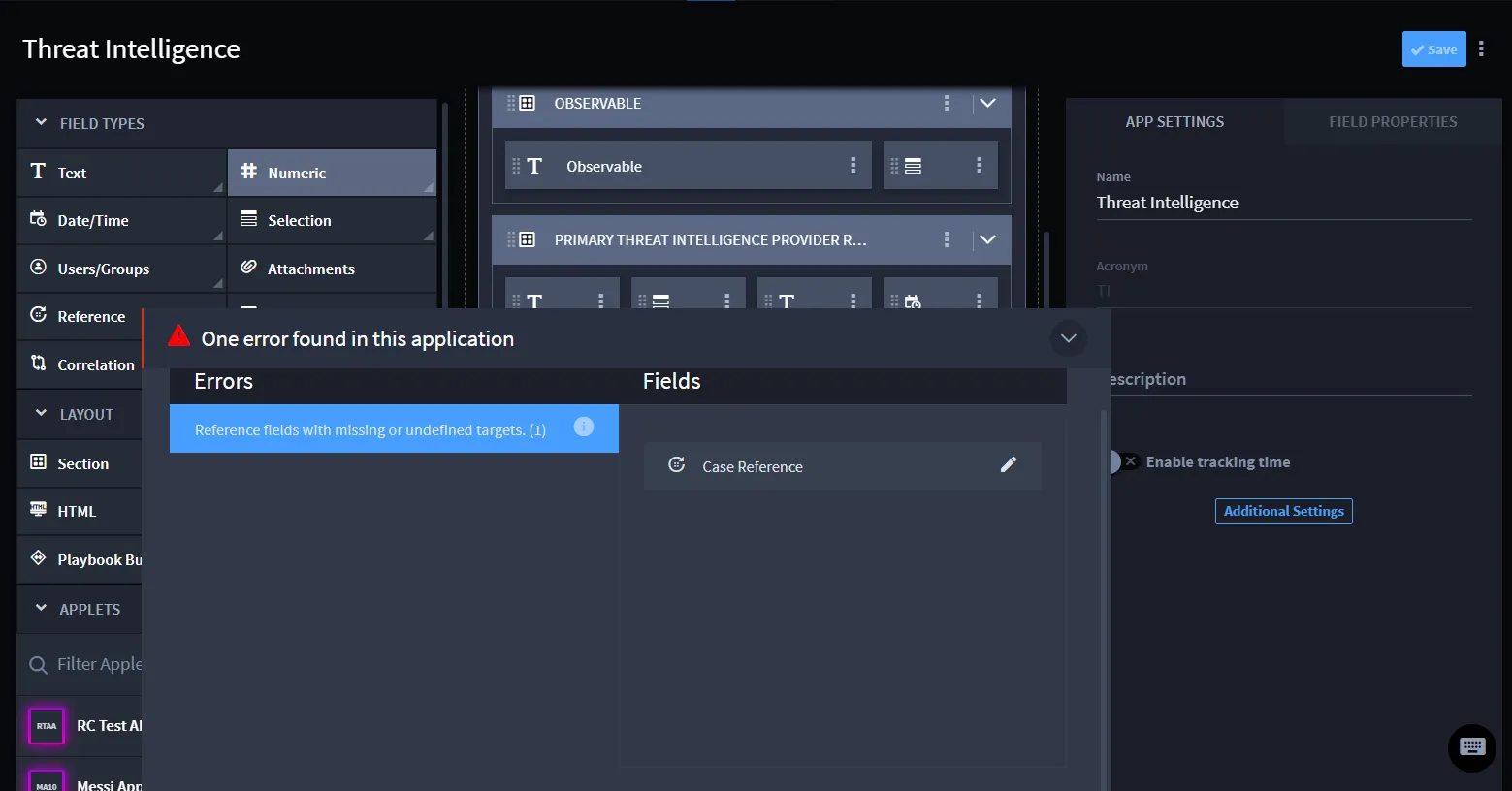
- Once you resolve the detected errors, try exporting again.
Export Playbook SSPs
To export playbook SSPs:
- Navigate to ORCHESTRATION, then Playbooks.
- Find the playbook you want to export. Then, click the ellipsis icon and select Export .
You can also export from within an open playbook. Click the ellipsis icon in the playbook taskbar and select Export.
If the playbook has parent or nested playbooks, they will export as well.