Repackage an Unzipped SSP File
2 min
Swimlane Solution Packages (SSPs) can be exported, unzipped, and edited. You can then import that edited version of the SSP file into your Turbine instance.
Swimlane recommends that you work with a support representative if you want to edit an SSP.
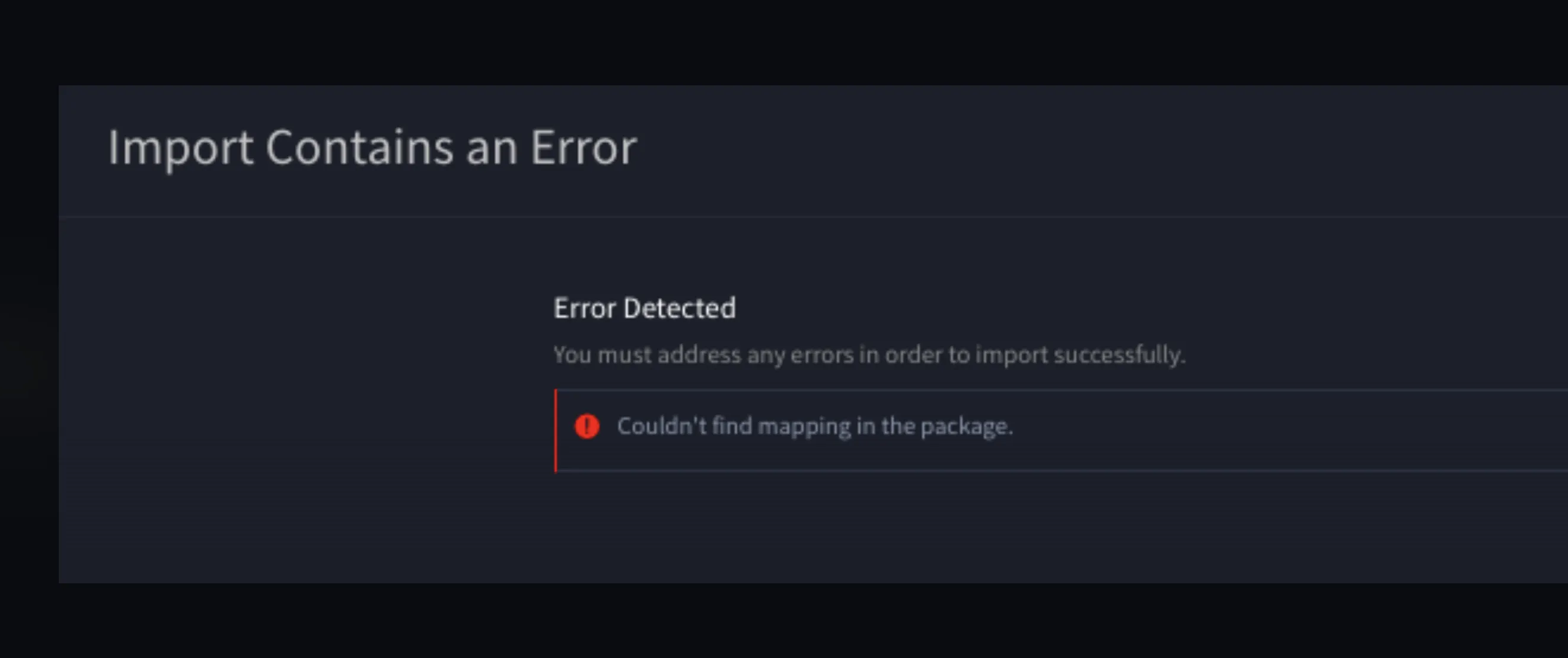
To avoid an error when re-importing an edited SSP file, follow the instructions in this topic. An error upon import might look like this:
d
To repackage an unzipped SSP file:
- After editing, open a CLI session and cd into the SSP file's content directory.
- Application
- manifest.json
- Meta
- Report
- Workspace
- Workflow