Variables
Variables support Turbine orchestrators by allowing them to collect data, store it, and use it in downstream actions. Using the Create Variables and Update Variables native actions let orchestrators create and/or update variables (without writing code), add variables, and apply properties from the playbook.
Create Variables
How do you use the Create Variables native action?
First, create your playbook and/or add a trigger. For variables to be applied, there must be previous inputs available upstream in the playbook.
- Click the Action drop-down menu and select Create Variables.Click Configure, then click Add variable to see a list of available property types that you can use. Currently, you can add: String, Number, Boolean, Object, Array, or Attachment. If you want to have more than one, just click the same button and select another property type.
In the variable box, enter a string value or click select a property to open the property drawer.
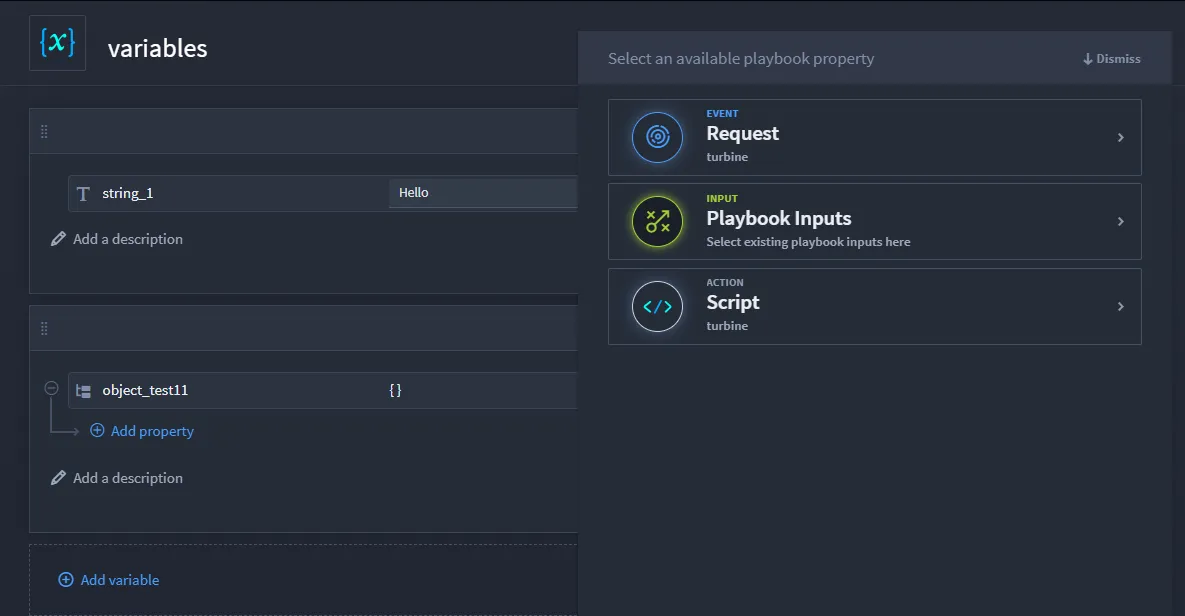
The property drawer shows you all the available inputs from upstream playbook, action, and/or event inputs. If needed, you can select Expression and use that option by using dot notation.
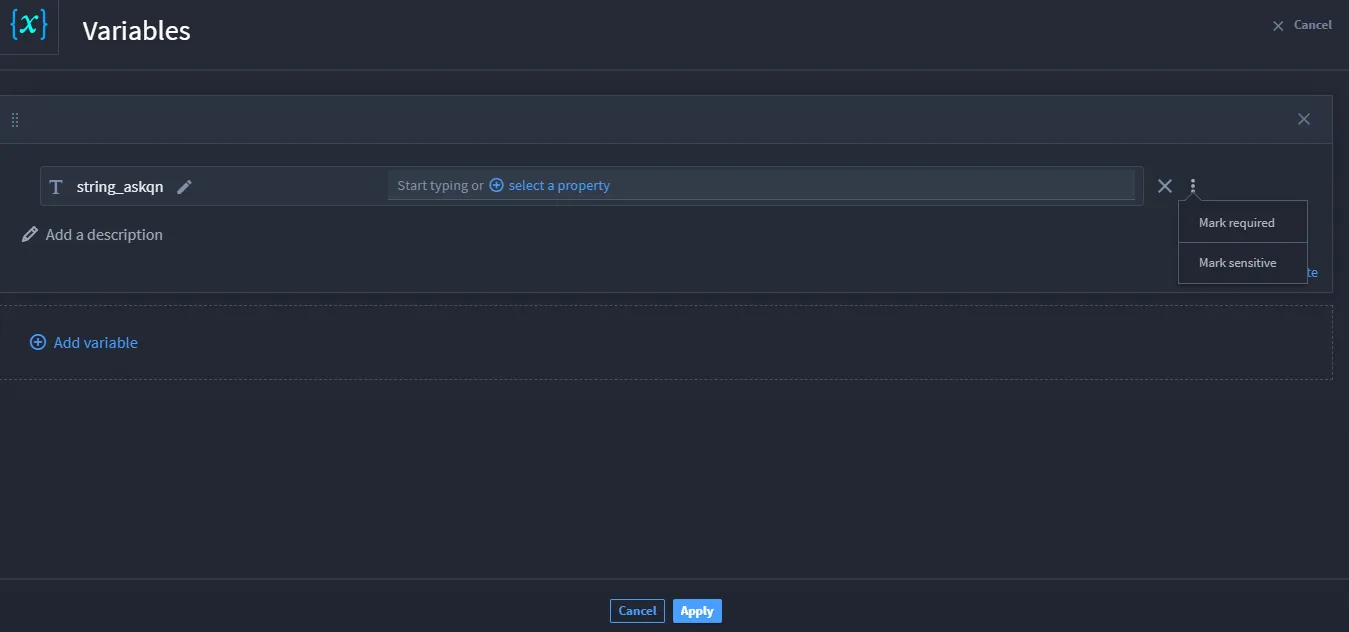
You can mark the data as sensitive while creating a variable. Click the ellipsis button next to the select a property and click Mark Sensitive.
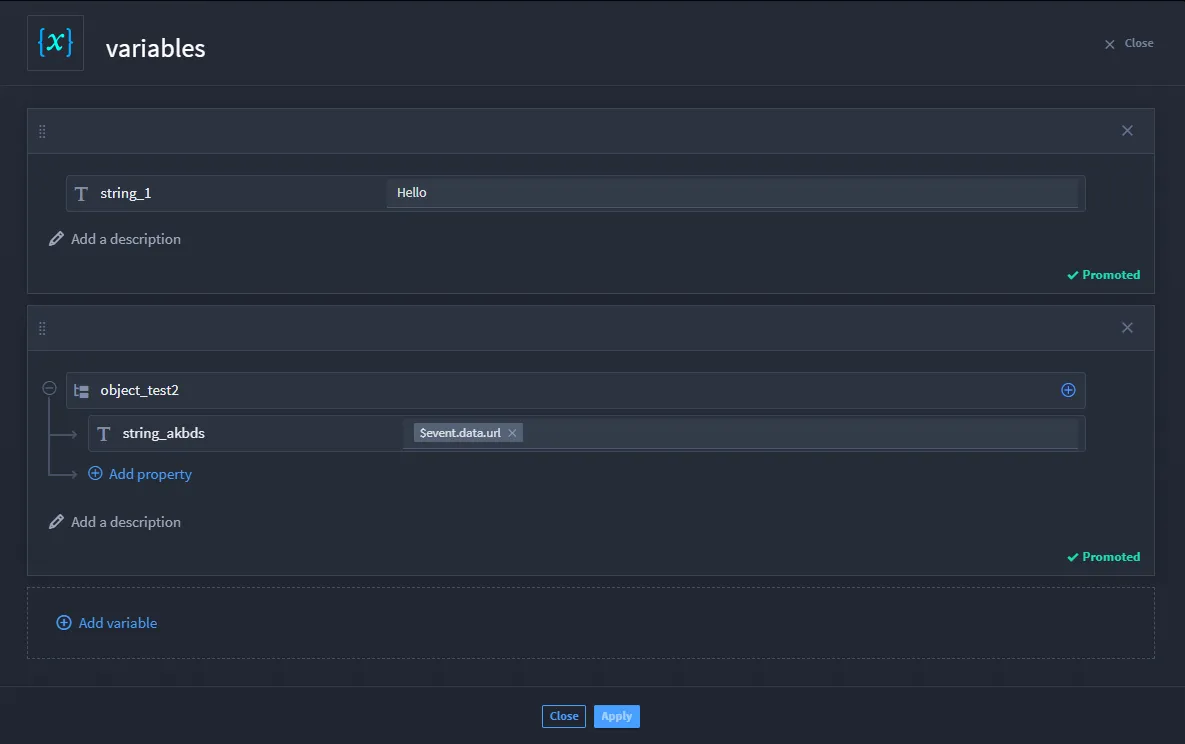
Click +Promote if you want the variable accessible outside the playbook.
Go ahead and add your next action, configure, and then under Inputs, click select a property. The playbook property drawer now shows the available variables.
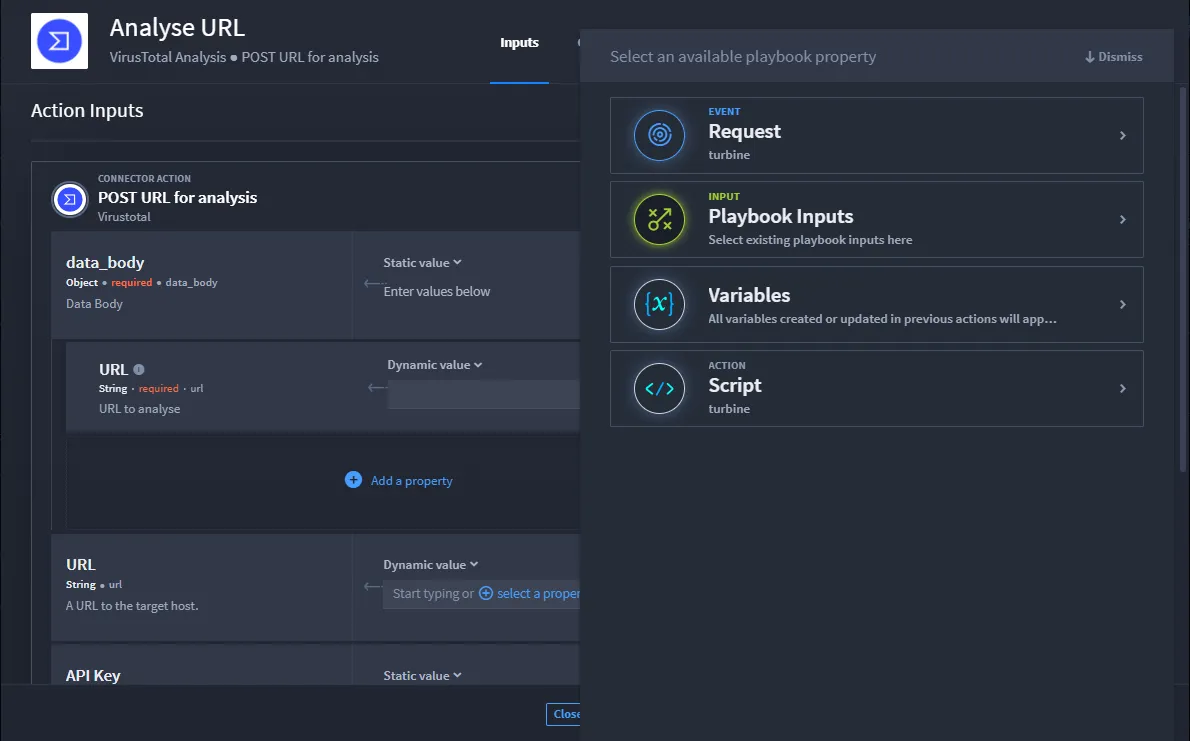
Now you have variables to use in the playbook.
Update Variables
Do you want to change your existing variable? Let's take a look at a configured variable action. In the example, there are two variables: a string and object.
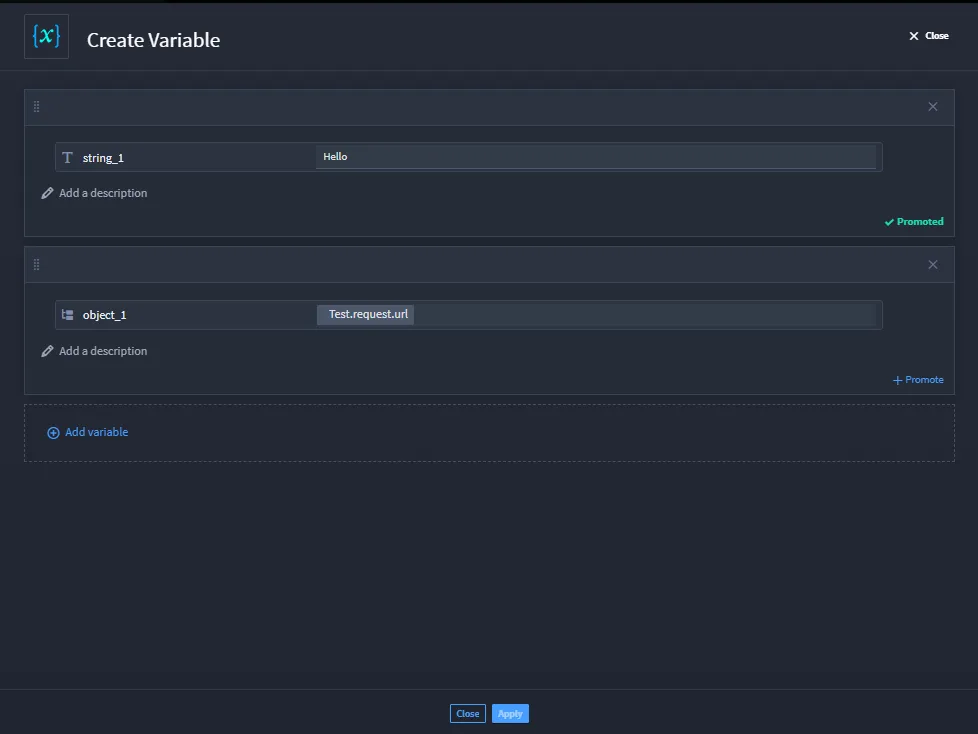
To update the inputs from this variable:
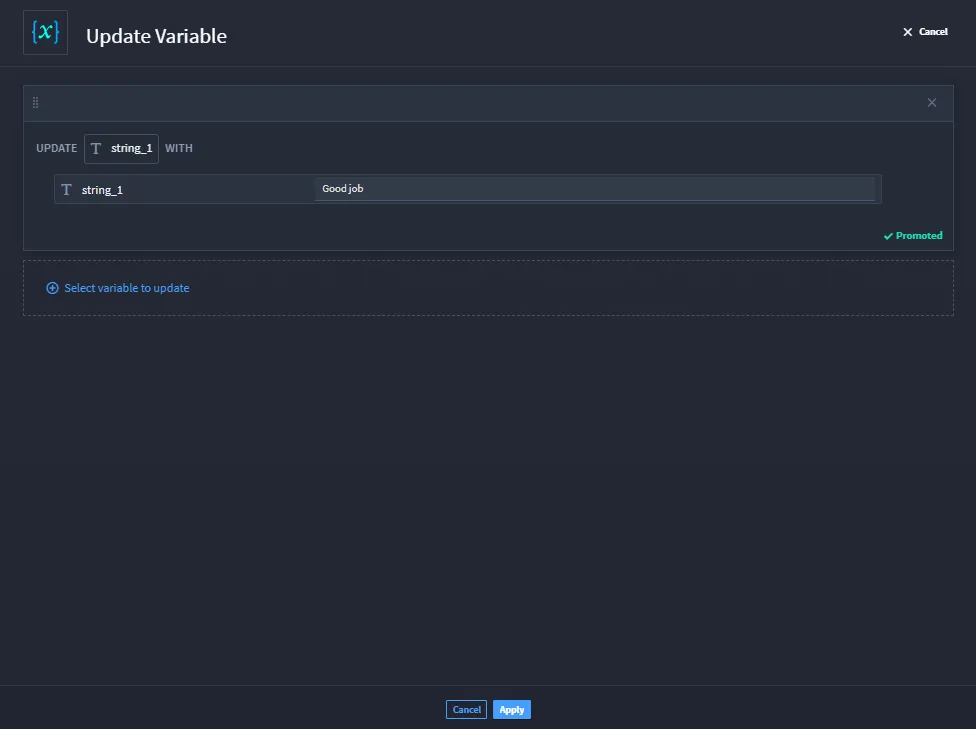
- Add the Update Variables action and click Configure.
Click Select variable to update and the playbook property drawer opens.
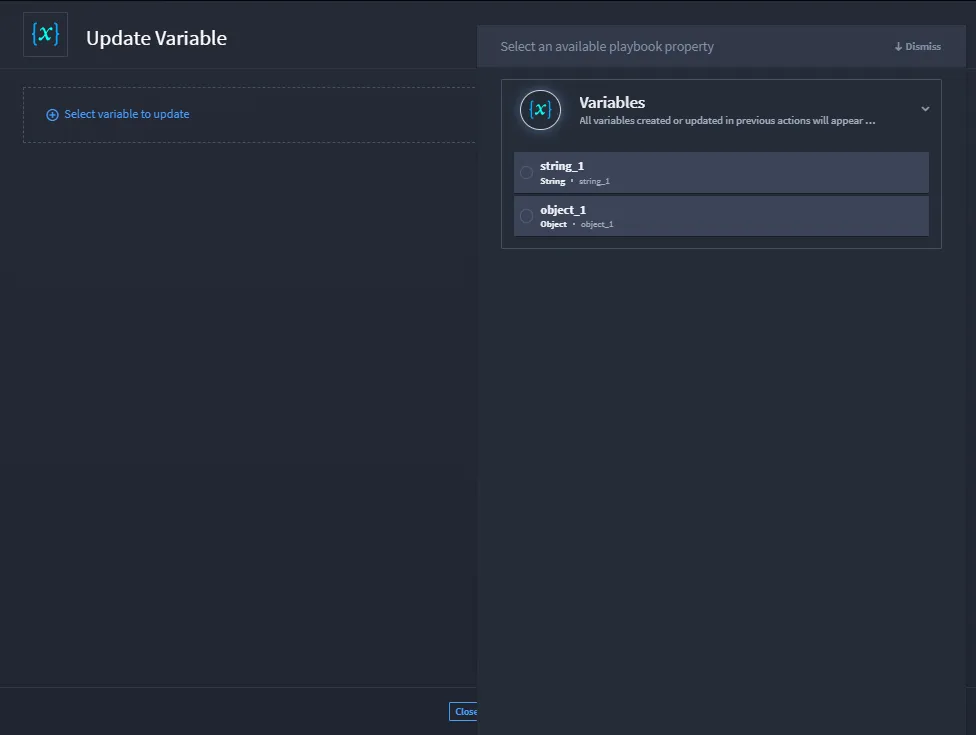
From here, you can select which variable you want to update. You can enter new data, choose a playbook property, or write an expression.