Transform Data
One of the most common data transformation jobs is converting data to specific formats. Historically, this operation has required Python or JSONata expertise. Turbine eliminates this need by using a transformation action in a playbook.
Basic Transformation Action Set Up
Time to start basic set-up for the Transform Data action.
You have already created a playbook, and you are ready to transform the data from a property.
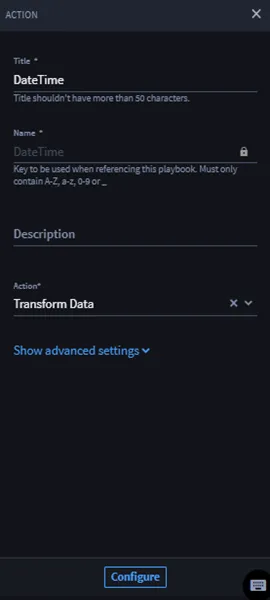
- From your playbook, click Add an action.
- From the ACTION panel, click the Action drop-down.
Select Transform Data and then click Configure.
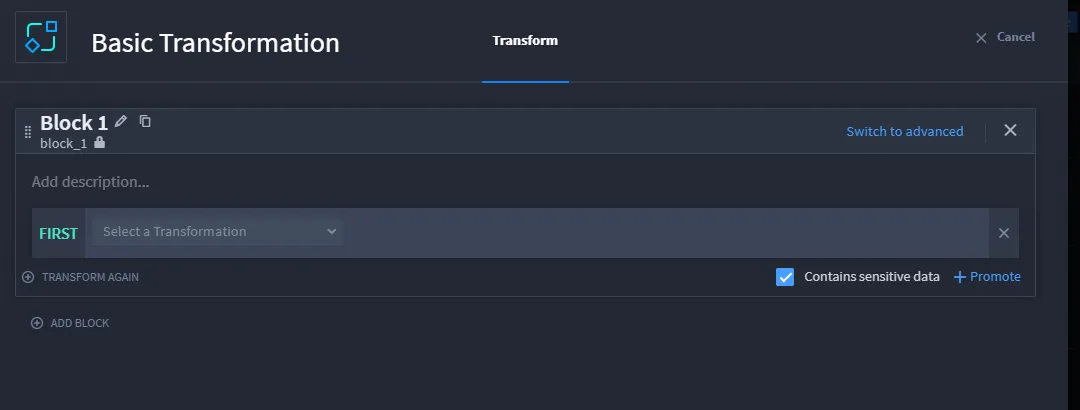
The transformation builder opens.
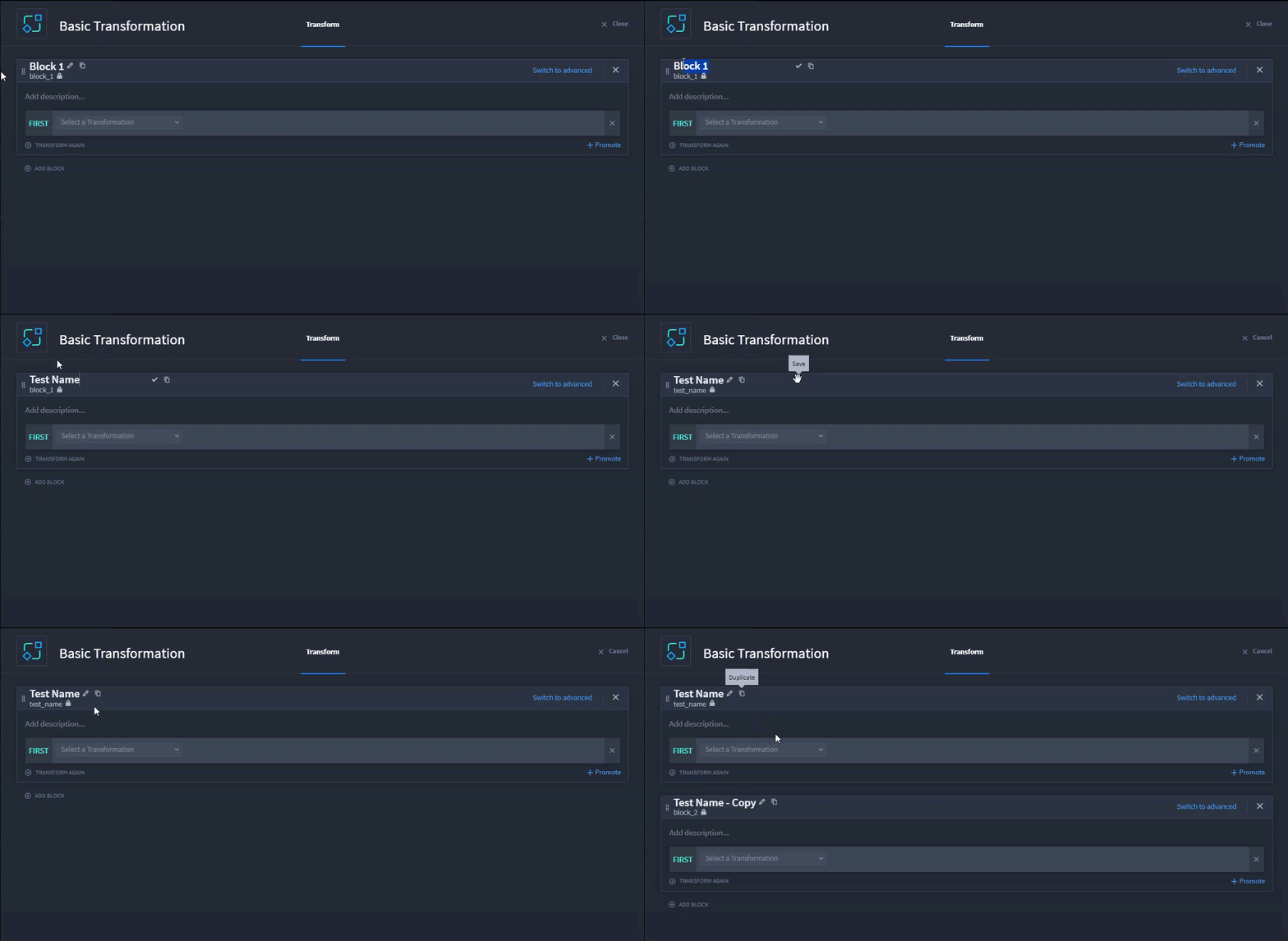
Click the pencil icon to rename the block. Turbine automatically updates the block name in snake case. To duplicate the block, click the Copy icon.
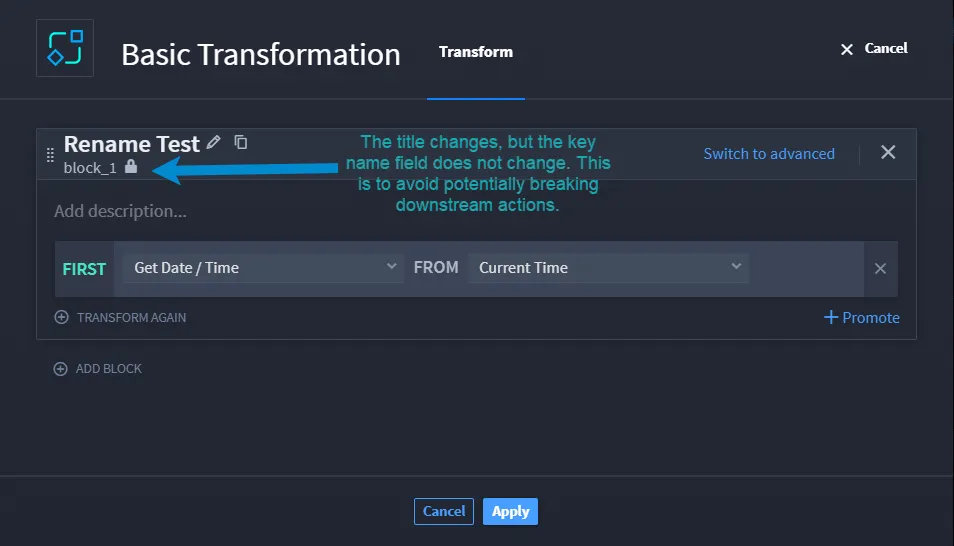
If you rename a block after clicking Apply, the original block name does not change. To update, click the lock icon and rename.
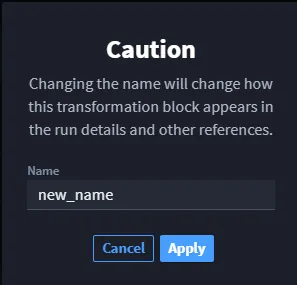
A warning dialog reminds you that changing the key name could break downstream actions if referenced.
- In Block 1, on the FIRST line, click the Select a Transformation drop-down and select a transformation type.
- Once configuration is complete, click TRANSFORM AGAIN.The next line in the block is THEN. Select the next transformation action to apply to the output of the previous line.
Marking Data as Sensitive
If your data has any sensitive information, you can mark as sensitive by clicking the Contains sensitive data checkbox. The data is not shown in the UI or in the logs.
Basic Transformation Use Cases
See Transform Data Action - Date and Time Use CasesTransform Data Action - Date and Time Use Cases for examples.
Continue to the next section for a table for advanced transformation example.