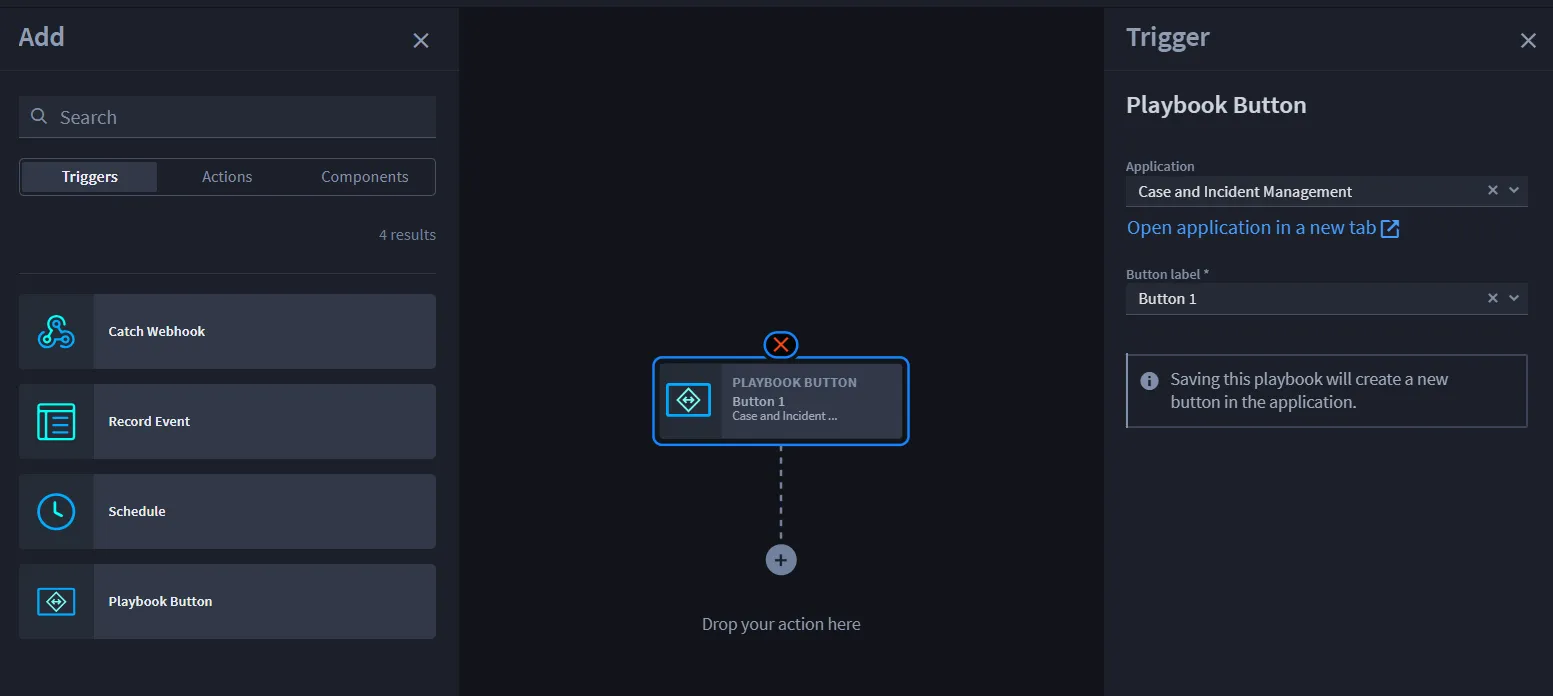
Playbook Button Triggers
2 min
A playbook button trigger is in an application. It is added as a Playbook Button in calling the Application.
You can also include triggers from widgets. For more information, see Record WidgetsRecord Widgets.
Playbook Button Triggers
To create a playbook button from the application builder, navigate to APPLICATIONS & APPLETS. Either select an existing application or click the plus icon. Then import an application or create a new application.
From the application:
- Click and drag Playbook Button to the FORM LAYOUT section.On the APP SETTINGS tab, the name field defaults to the same name as the application. You can add a description and/or click the toggle to enable tracking time for the playbook button.
- Click the Playbook Button field in the FORM LAYOUT to enable the FIELD PROPERTIES tab.
- On FIELD PROPERTIES, click the Playbook drop-down menu and select the playbook that this button triggers when clicked on an application’s record.
Click Configure to set the input type.
You have now created a playbook button trigger that initiates the associated playbook you selected.