Colors
1 min
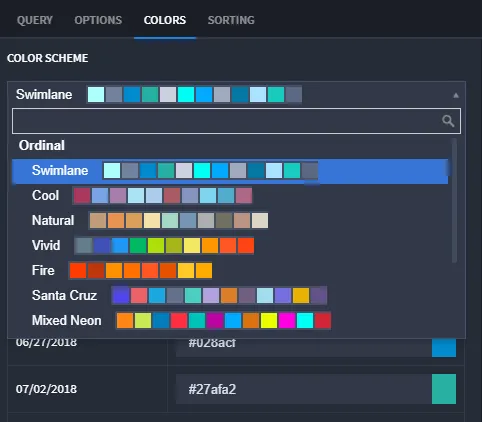
The color scheme for charts can be configured on the COLORS tab in the chart configuration panel. To change the color scheme, click the Color Scheme drop-down menu and select from the preset color palette.
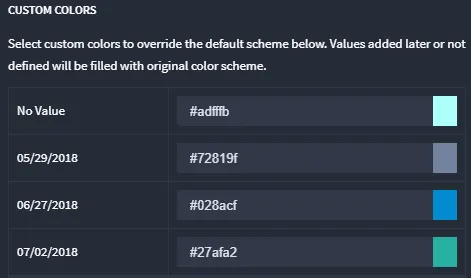
Colors for individual data items can be changed under CUSTOM COLORS. To change a color for a single data item, click on the input indicating the hex value of the color and select the color, or input the hex value directly.