Import Data
1 min
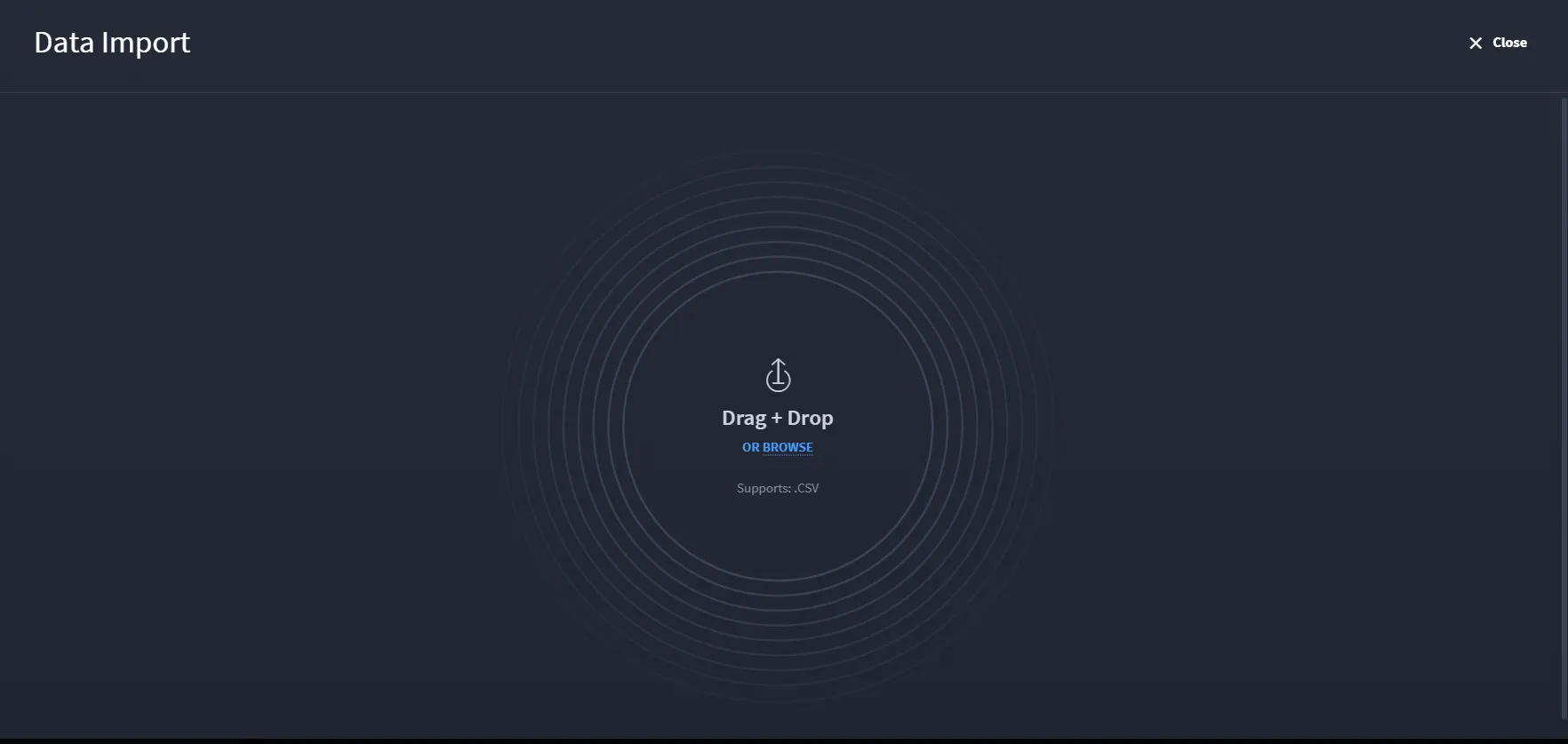
The Data Import screen allows you to upload records into the application using a simple drag-and-drop interface. You can either drag and drop their file into the upload area or click Browse to manually select a file from their local system.
Note: The import feature supports only .CSV file formats
Once a valid file is uploaded, Swimlane processes the data and maps it to the appropriate fields in the application's record schema.