Editing or Deleting a User Dashboard
1 min
To delete a dashboard:
From the Dashboards taskbar menu, select Delete.
You can change the settings of the dashboard by clicking on Settings and Schedules. The Dashboard Settings and Schedules pages allows you to edit the following:
- General Settings: Edit the Name, Description, and Workspaces.
- Advanced Settings: Change he timeline filter duration.
- Timeline Filters: Select date fields to apply global date range filters across applications.
- Schedules: Create or edit the schedules.
- Permissions: Edit the permissions.
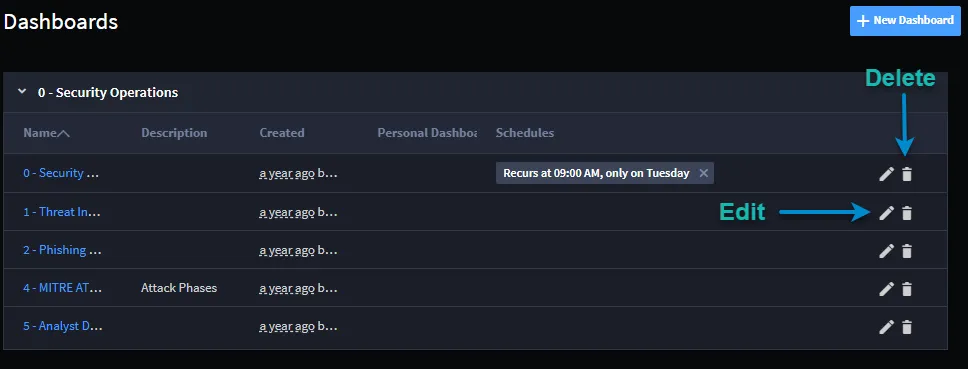
You can also edit or delete a dashboard from the Dashboards page. Click the pencil (edit) or the trash can (delete) icon.