Connector Trust Keys
Turbine provides a list of connector trust keys. Connector trust keys are used to digitally sign custom built connectors leveraging the Turbine SDK.
To view existing connector trust keys:
- Navigate to SETTINGS > Tenant-specific.
- Click Connector Key.The page loads, and Turbine makes an API call to display the current list of connector trust keys from newest to oldest.
Each connector trust key provides the, title of the key, part of the key displays if needed; however the entire key is obscured, date it was created. You can also add or delete a connector from this page.
Add Connector Trust Keys
To add a connector trust key, ensure you are on the Connector Trust Keys page, and then:
Click Add Key.
The Add Connector Trust Key window opens for you to add a label and a key.
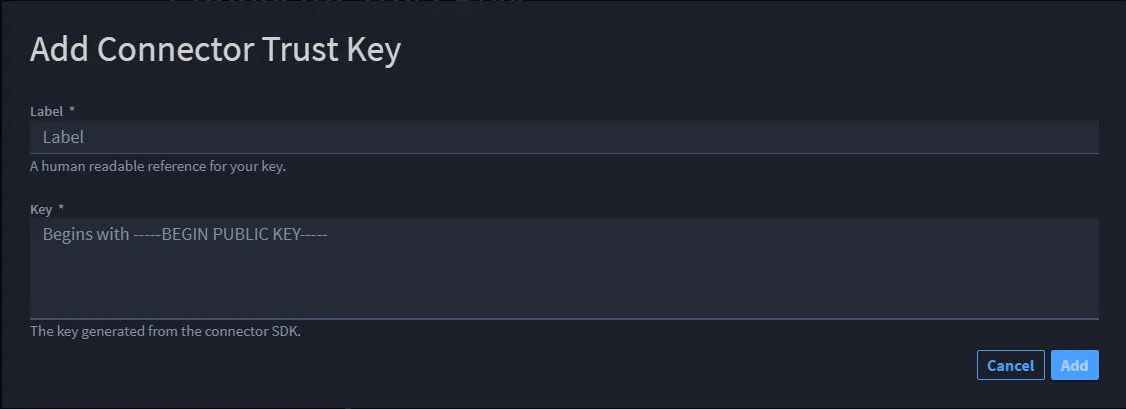
Important: Both fields are required.
- In Label, enter a title for the key.Note: The limit is 50 characters.
In Key, enter the key that is generated from the connector SDK.
Warning! If the key is invalid, an error message shows.
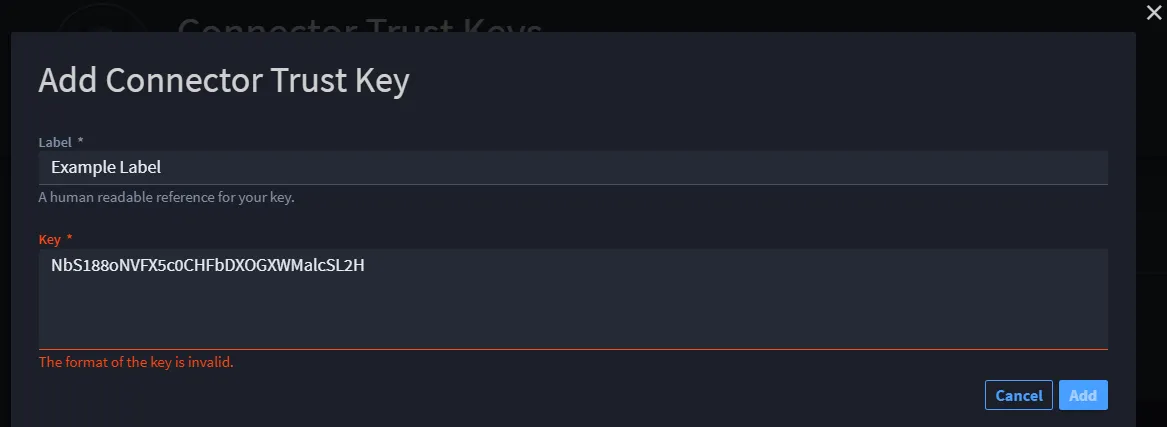
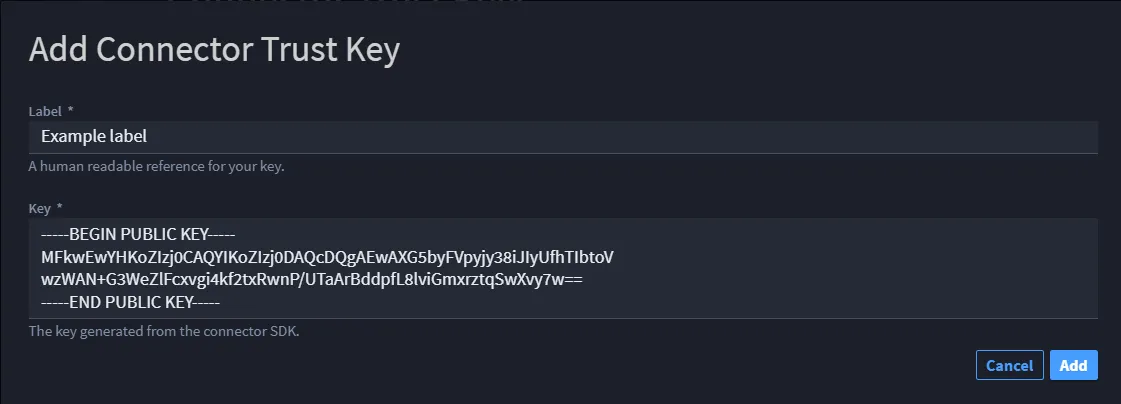
If the key you enter is valid, click the enabled Add button to continue.
Returning to the Connector Trust Keys page, the new key is listed at the top.
Delete Connector Trust Keys
If you want to delete a connector trust key:
- Click the Delete icon next to the key.
Click and hold the delete icon.
Warning! This action cannot be undone. It will permanently delete the key and disable any connectors that reference this key.
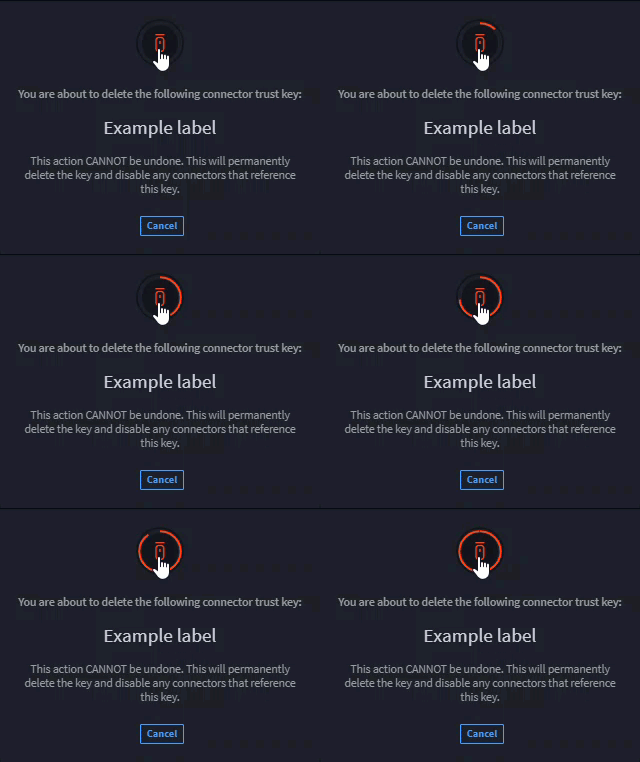
Turbine returns you to the Connector Trust Keys page where you can confirm the connector is no longer available.